Put new orders in a spreadsheet with the DMU Mail API
A short script reads each new conversation in orders@ and adds a row. Written in JavaScript, with the same calls in Python.
DMU Mail team· · 3 min read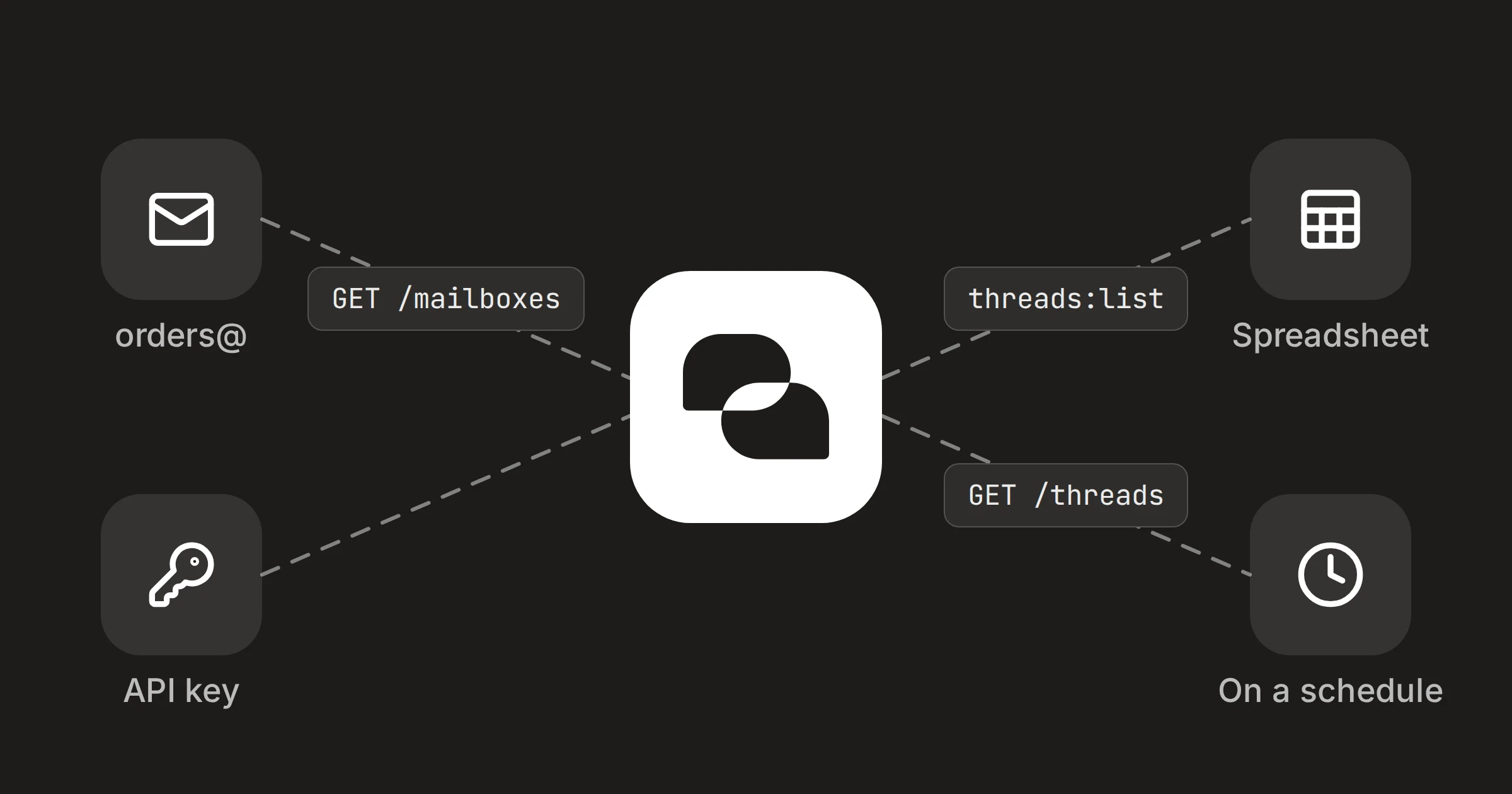
On this page
Orders arrive by email, and somebody copies them into a spreadsheet. A script can do that copying. It asks the DMU Mail API for the conversations in your orders mailbox, skips the ones it has already seen, and adds a row for each new one.
In short
Two API calls: list your mailboxes to find orders@, then list its conversations.
The key needs two permissions, and nothing more.
Run it every ten minutes or so. It adds each conversation once.
orders@aegeanfreight.example
Your script
orders.csv
1. Make a key with two permissions
An administrator opens Settings › API keys and chooses Create a key. Name it after what will use it, such as "orders to spreadsheet". Instead of a preset, choose Custom and tick just:
List mailboxes (
mailboxes:list), to find the mailbox's id;List conversations, and search (
threads:list), to read its conversations.
Copy the key when it is shown. It is shown once. Keep it in an environment variable, DMU_API_KEY, and never in the script.
A key reaches every mailbox its owner can
2. The script
Each call sends the key as Authorization: Bearer … to https://app.dmu.email/api/v1. The script finds the mailbox, reads up to five pages of 50 conversations from its inbox, and keeps the ones it hasn't seen. Each row has the time of the newest message, the sender's address and name, the subject, and a line of preview text. The first run adds what is in the inbox now.
import { appendFileSync, existsSync, readFileSync, writeFileSync } from 'node:fs'

const API = 'https://app.dmu.email/api/v1'
const MAILBOX = 'orders@aegeanfreight.example'
const SEEN = 'seen.json'
const SHEET = 'orders.csv'

async function get(path, params = {}) {
  const url = new URL(API + path)
  for (const [name, value] of Object.entries(params)) if (value) url.searchParams.set(name, value)
  const response = await fetch(url, { headers: { Authorization: `Bearer ${process.env.DMU_API_KEY}` } })
  if (!response.ok) throw new Error(`${response.status} ${(await response.json()).error?.code}`)
  return response.json()
}

const cell = (value) => `"${String(value ?? '').replaceAll('"', '""')}"`

const { data: mailboxes } = await get('/mailboxes')
const mailbox = mailboxes.find((m) => m.email === MAILBOX)
if (!mailbox) throw new Error(`This key can't see ${MAILBOX}`)

const seen = new Set(existsSync(SEEN) ? JSON.parse(readFileSync(SEEN, 'utf8')) : [])
const fresh = []
let cursor
for (let page = 0; page < 5; page++) {
  const { data, nextCursor } = await get('/threads', { mailbox: mailbox.id, view: 'inbox', limit: '50', cursor })
  const unseen = data.filter((t) => !seen.has(t.id))
  fresh.push(...unseen)
  if (!unseen.length || !nextCursor) break
  cursor = nextCursor
}

if (!existsSync(SHEET)) appendFileSync(SHEET, 'Received,From,Name,Subject,Preview\n')
for (const t of fresh.reverse()) {
  const row = [t.lastMessageAt, t.from?.address, t.from?.name, t.subject, t.preview]
  appendFileSync(SHEET, row.map(cell).join(',') + '\n')
  seen.add(t.id)
}
writeFileSync(SEEN, JSON.stringify([...seen]))
console.log(`${fresh.length} new`)
3. Run it on a schedule
DMU Mail checks each mailbox every few minutes, so polling more than once a minute gains nothing. A key may make 120 requests a minute, and this script makes two or three per run.
*/10 * * * * cd /path/to/orders && DMU_API_KEY="dmk_…" node orders.mjsNotes
The list is newest first and pages with
nextCursor, which you pass back unchanged ascursor. Pagination explains it.If a request is refused, the answer has an
errorwith acode.missing_scopemeans the key lacks a permission, and theX-Required-Scopeheader names it. After arate_limited, wait for theRetry-Afterseconds. Errors lists them.Want the order number from the message text? Give the key
threads:readas well, and ask Get a thread for each new conversation. The message bodies are written by the sender, so treat them as untrusted text.To be told rather than to poll, use a webhook on
message.received.The API docs cover every other call.
Share