Keep your CRM in step with your inbox, using webhooks
When a conversation is assigned, closed or labelled in DMU Mail, a webhook can tell your CRM. The events, the signature check and the code to copy.
DMU Mail team· · 4 min read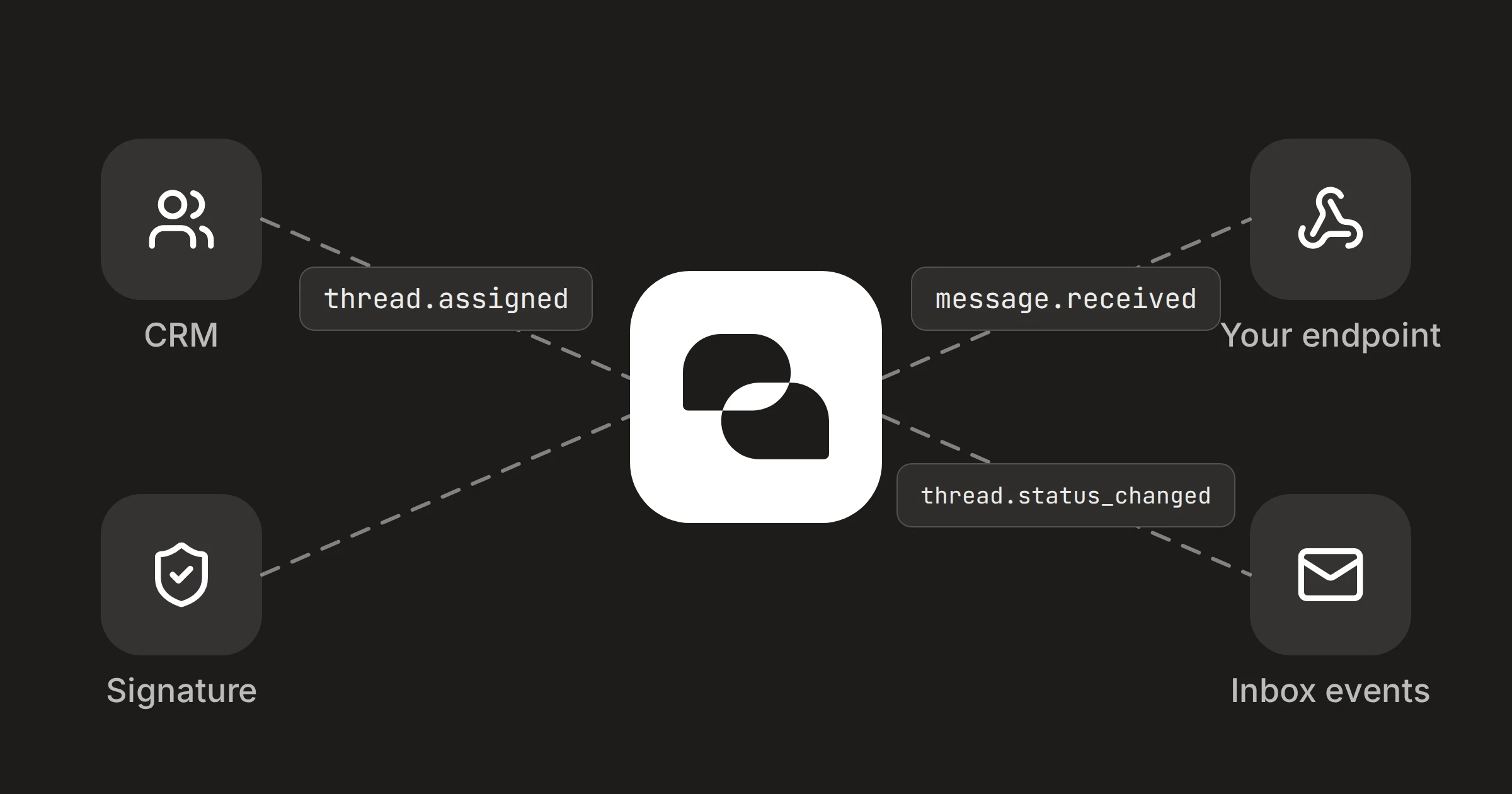
On this page
Your CRM knows your customers. DMU Mail knows who is answering them. A webhook joins the two: when something happens to a conversation, DMU Mail sends a short signed message to an address you choose, and a few lines of your code pass it on.
In short
A webhook tells your endpoint when mail arrives or sends, when a conversation changes, and when a contact changes.
Your endpoint checks the signature, answers quickly, and asks the API for any detail it needs.
An administrator makes the webhook, and you need somewhere to run a few lines of code.
What you'll build
Three parts, and only the middle one is yours to write.
DMU Mail
Your endpoint
Your CRM
Which events fire
A webhook is told the events it lists, and only those. The events are:
message.received,message.sentandmessage.failed, for mail arriving, leaving, or failing to send.thread.status_changed, when a conversation is closed, reopened, marked in progress, trashed, restored, or marked as spam or not spam.thread.assignedandthread.unassigned, for people put on or taken off a conversation.thread.labelledandthread.unlabelled, for labels.thread.renamed,thread.snoozed,thread.woken,thread.movedandthread.merged.thread.grantedandthread.ungranted, for someone given a conversation they could not otherwise see, and losing it again.contact.created,contact.updatedandcontact.deleted.webhook.test, only from Send test event.
The event reference says exactly what each one carries in data. Some examples: thread.assigned has assigneeUserId, thread.status_changed has change (such as closed) and the new status, and thread.labelled has labelId, labelName and the label it sits inside. Every thread.* event has an actor, who did it, unless DMU Mail did it itself.
An event names things; it doesn't carry them
message.* events carry it.1. Make the webhook
An administrator opens Settings › API keys › Webhooks and chooses Add a webhook.
Enter the Address. It must be
https://, on the public internet.Tick the Events you want, such as
thread.assignedandthread.status_changed.Choose Add webhook, then copy the signing secret. It is shown once, so keep it with your endpoint's settings.
A webhook acts as the person who made it. It is told only about conversations that person can see, and it stops for good if they leave or are suspended. Send test event makes a webhook.test delivery whenever you want to try your endpoint.
2. Check it's really DMU Mail
Every delivery has a DMU-Signature header: t= and the Unix time in seconds, then v1= and the signature in hex. The v1 value is an HMAC-SHA256, keyed with the whole secret, over the timestamp, a full stop and the raw request body. Check it on the raw bytes before you parse any JSON, and refuse a timestamp more than five minutes from your clock. Verify a signature has the details.
import { createHmac, timingSafeEqual } from 'node:crypto'

// `body` is the raw request body as a string, not a re-serialised object.
export function verify(header, body, secret, toleranceSeconds = 300) {
  const parts = (header ?? '').split(',').map((p) => p.trim())
  const t = Number(parts.find((p) => p.startsWith('t='))?.slice(2))
  if (!Number.isInteger(t) || Math.abs(Date.now() / 1000 - t) > toleranceSeconds) return false
  const expected = createHmac('sha256', secret).update(`${t}.${body}`).digest()
  return parts.filter((p) => p.startsWith('v1=')).some((p) => {
    const given = Buffer.from(p.slice(3), 'hex')
    return given.length === expected.length && timingSafeEqual(given, expected)
  })
}
If you replace the secret, the old one keeps signing beside the new one for 24 hours. The header then has two v1= values, and either may match, which the code above allows.
3. Receive it
Answer with any 2xx within 10 seconds, and do the work afterwards. A failed delivery is tried again, eight attempts over about a day, and delivery is at least once, so the same event can arrive twice. Handle each event id once.
import express from 'express'
import { verify } from './verify.js'

const app = express()

app.post('/dmu-mail/events', express.raw({ type: 'application/json' }), (req, res) => {
  const body = req.body.toString('utf8')
  if (!verify(req.headers['dmu-signature'], body, process.env.DMU_WEBHOOK_SECRET)) {
    return res.status(400).end()
  }
  res.status(200).end()
  // Your own function: put the event on a queue, skipping any `id` you have seen.
  enqueue(JSON.parse(body))
})

app.listen(3000)
4. Tell your CRM
This is what arrives when Maria Konstantinou assigns a conversation. Use data.threadId to ask Get a thread for the sender, look the deal up by that address, and set its owner from assigneeUserId.
{
  "id": "6f1c…",
  "type": "thread.assigned",
  "created": "2026-10-31T10:14:03.211Z",
  "organisationId": "b054…",
  "data": {
    "threadId": "0315…",
    "mailboxId": "9e53…",
    "assigneeUserId": "…",
    "actor": { "userId": "…", "name": "Maria Konstantinou" }
  }
}
Use created for order, because events can arrive out of it. If nothing gets through for about a day, DMU Mail turns the webhook off and emails every administrator, and events from while it was off are not kept.
Try it with Claude first
Before you write code, ask Claude who is on a customer's conversations now, which is what thread.assigned will tell your CRM about later.
Try it in Claude
Which open conversations with Alpenhof Trading are assigned to someone, and to whom?
Needs DMU Mail in Claude.
How to connect itShare