DMU Mail in Claude Code: your inbox, beside your code
Add the connector with one command, sign in from /mcp, and read customer mail without leaving the terminal. Claude drafts; you send.
DMU Mail team· · 3 min read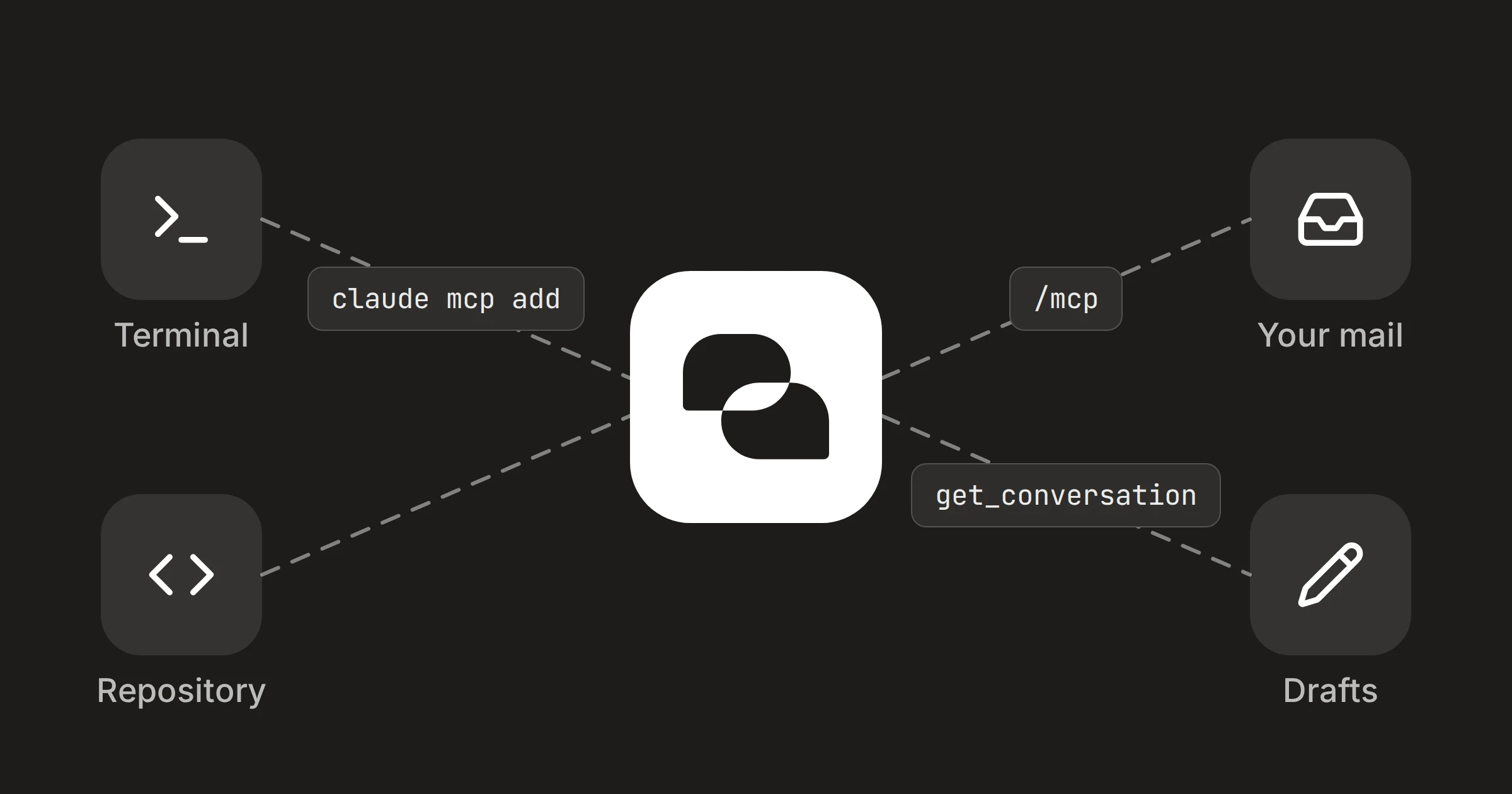
On this page
A customer writes in about a bug, and the fix is in the repository you already have open. With DMU Mail added to Claude Code, you can read that conversation and look at the code in the same session, then leave a reply waiting in Drafts. Claude Code never sends it.
In short
One command adds DMU Mail, and
/mcpsigns you in.An administrator must have allowed Claude for your organisation first.
Claude Code reads, writes drafts and organises. It can't send, forward or delete.
Add it
An administrator has to allow Claude in Settings › Organisation › Connected apps first. The first post in this series covers that.
claude mcp add
DMU Mail
/mcp opens the sign-in.In a terminal, run the command below.
In Claude Code, run
/mcpand sign in to DMU Mail.The page that asks for your consent names it Claude Code. Choose the organisations and what it may do, then choose Allow.
claude mcp add --transport http dmu-mail https://mcp.dmu.email/mcpThe consent page says "Claude Code on this computer" and asks you to allow it only if you started Claude Code yourself, just now. Reading is always included. Writing drafts and organising are yours to choose. Claude Code reaches shared mailboxes only if you have that permission. Without it, it sees only your own.
What it's good for in a terminal
Claude Code can read the code and your mail in one place, and that is the use. These examples use the demo world of Aegean Freight.
From a customer's report to the code
Try it in Claude
Alpenhof Trading wrote that tracking shows container TCLU 4471920 as not found. Read that conversation, then find where this repository looks up container numbers.
Needs DMU Mail in Claude.
How to connect itClaude Code reads the messages and the team chat, then searches your files. Colleagues' notes in the team chat often say what has already been tried.
From the fix to the reply
Try it in Claude
Draft a reply to Anna Vogel in that conversation. Say we found the cause and will deploy the fix today. Keep it short.
Needs DMU Mail in Claude.
How to connect itThe reply is saved in Drafts, marked "Written with Claude". Open it in DMU Mail, read it, and send it yourself.
Triage with your own labels
Try it in Claude
List my open conversations with the label Bug. For each one, say which part of this repository it probably concerns.
Needs DMU Mail in Claude.
How to connect itThis works with labels you have already made. Claude Code looks the label up by name, then lists the conversations carrying it.
Close what you have fixed
Try it in Claude
Close the Alpenhof Trading conversation, and assign the next one on my list to Maria Konstantinou.
Needs DMU Mail in Claude.
How to connect itIt can assign people, add labels, close, reopen, snooze and mark as read or unread. Closed conversations can be reopened.
What it can't do
It can't send or forward mail, add a Bcc, delete anything or move anything to Trash or Spam. It can't change settings, people, teams or permissions, and it can't see mail you can't open. Everything it changes is recorded in Activity as "via Claude".
Mail is written by other people
Taking it away
To disconnect, open Settings › You › Connected apps in DMU Mail and choose Disconnect. Administrators can disconnect anyone in Settings › Organisation › Connected apps, or turn Claude off for everyone. To remove the server from Claude Code too, run claude mcp remove dmu-mail. The steps are also in Use DMU Mail with Claude.
Share