DMU Mail for Windows: what came in October
DMU Mail in its own window, with a count on the taskbar. Four releases in a month, in plain words.
DMU Mail team· · 3 min read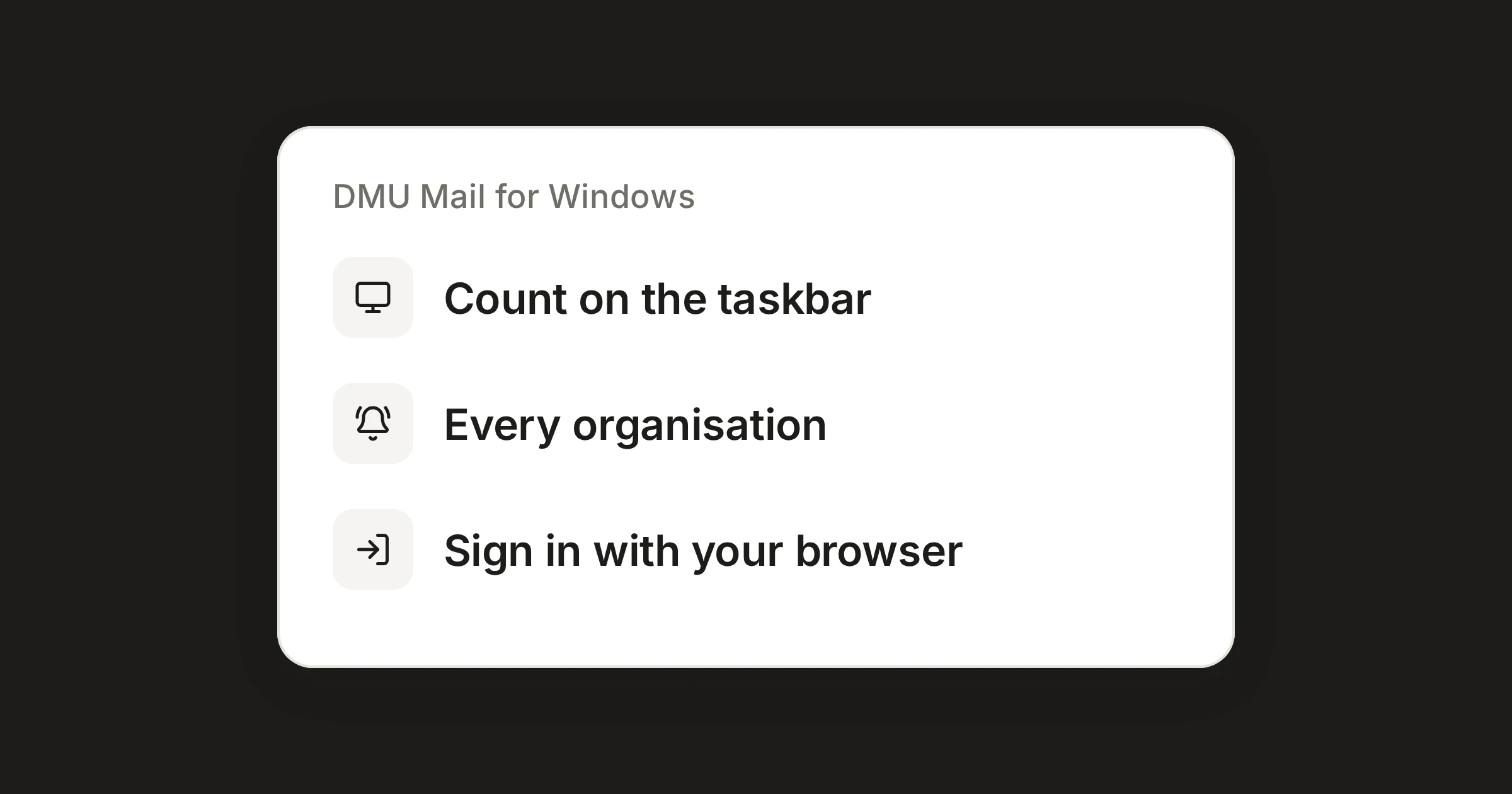
On this page
DMU Mail for Windows is the same app as in your browser, in a window of its own. It arrived on 16 October, and it had three more releases before the month ended. This post goes through them, and what each one means if your team works on Windows PCs.
In short
The app gives you an unread count on the taskbar, a tray icon and Windows notifications.
It updates itself, and most changes come from the web app without any update at all.
It needs Windows 10 or 11, 64-bit, and it is included in every plan.
16 October: the app arrives
Version 0.2.1 was the first release.
A window of its own, with the unread count on the taskbar and in the tray. Close the window and DMU Mail keeps running in the tray, so the count and the notifications keep working.
Windows notifications for new mail, mentions and assignments, with the sender, the subject and the start of the message.
Email links: make DMU Mail your email app, and email links open a new message in it.
Updates: new versions download in the background, and DMU Mail offers to restart into them.
For a team, a shared inbox that sits in a tab is easy to forget. A count on the taskbar and a notification when someone mentions or assigns you make it harder to miss.
19 October: PDFs open again
A small release, 0.7.1 of the web app, made PDF previews open again in DMU Mail for Windows.
25 October: sign in through your browser
Version 0.3.0 added Sign in with Google, Microsoft or Apple. The app opens your browser to sign in, and DMU Mail comes back by itself. A message you write in its own window also closes once you press Send.
26 October: a picture of the window
Version 0.4.0 added Capture this window to Send feedback. You can add a picture of DMU Mail only, never the rest of your screen, and you see it before you send it. When something looks wrong, a picture says it faster than a description.
27 October: notifications from every organisation
Version 0.5.0 is for people who belong to more than one organisation. DMU Mail for Windows now tells you about new mail, mentions and assignments in all your organisations, names the organisation, and opens the conversation there. A notification clicked after you switched organisation opens in the right one.
While the app runs, Chrome and Edge on the same PC stop showing notifications for those organisations too, so nothing arrives twice. Pausing in the app quietens both.
Install it
On the download page, choose Download for Windows.
Open the file you downloaded, DMU-Mail-setup.exe. It installs for you alone, so you do not need an administrator.
Sign in with your usual details, or with Google, Microsoft or Apple. Your mail and settings are the same as in the browser.
The app has its own page in Settings, Desktop app, where you choose whether it starts with Windows, whether it stays in the tray, how much a notification shows and when to check for updates. That page exists only inside the app. The Desktop app for Windows guide covers it, and the Windows feature page has a short version.
Share