Why you should not write from a no-reply address
A no-reply address tells customers you do not want to hear from them. What it costs you in replies and trust, what to use instead, and DMU Mail's heads-up.
DMU Mail team· · 3 min read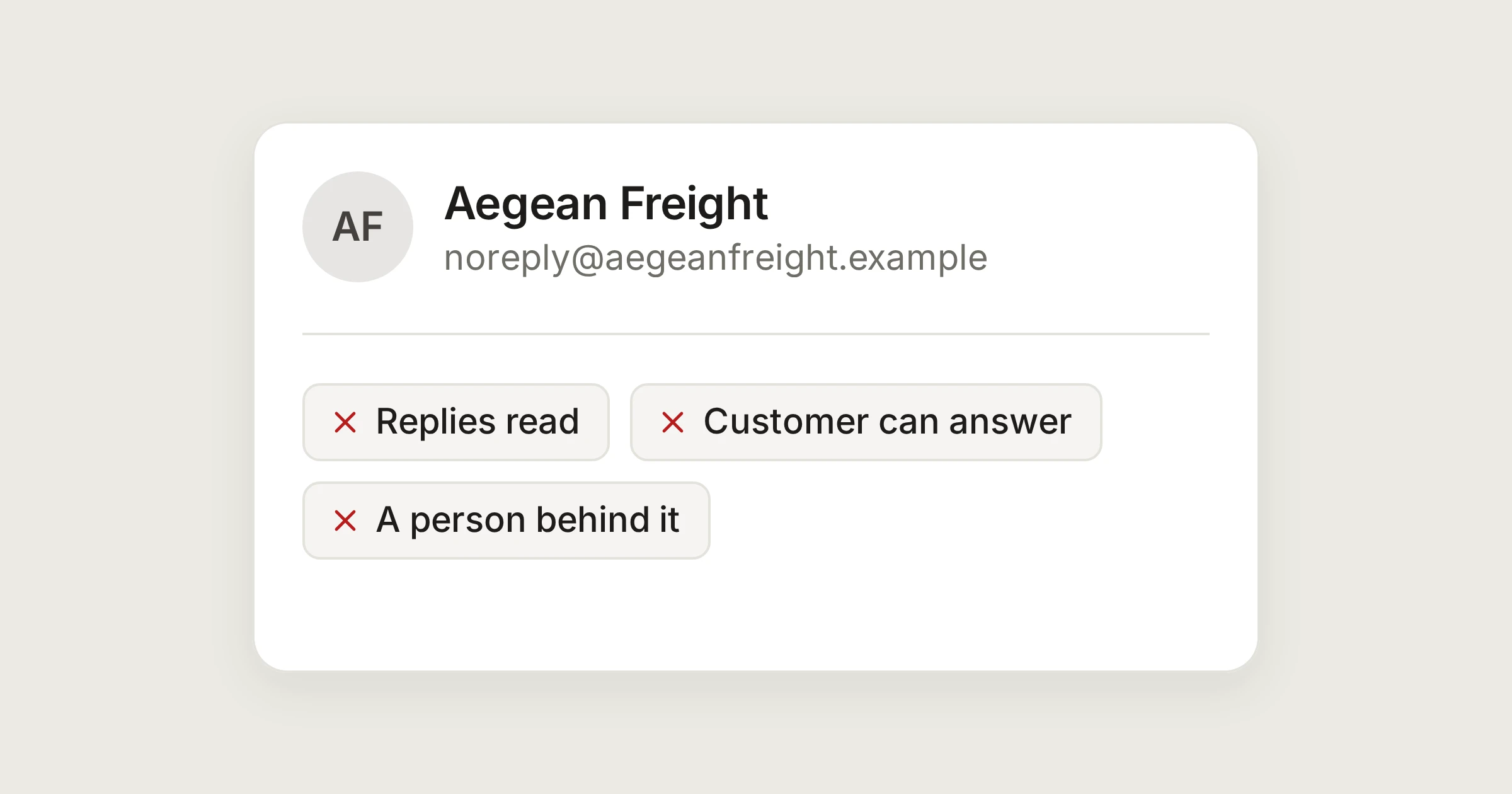
On this page
Somewhere in most companies there is a noreply@ address. It was set up so that a system could send an invoice or a confirmation without anyone having to read the answers. For the person receiving the message, it says something different: we send, you do not answer.
In short
A no-reply address loses the replies you would have wanted, such as a changed delivery address or a thank you.
It also reads as a closed door. People who cannot answer you find another way, and it is rarely a kind one.
Send from an address a person reads, and say who is behind it.
What it costs
Aegean Freight sends a shipment notice to Alpenhof Trading from noreply@aegeanfreight.example. The customer reads that the container will arrive a day late, and answers: "Can you deliver on Friday instead?"
That reply goes to an address nobody reads, or it bounces. The customer does not know which. They wait, nothing happens, and they phone, or write to a different address, or decide that the company does not listen. Three things were lost.
The reply itself. Many of the messages that matter come from a notice: a correction, a question, a change of plan.
Time. The customer's second attempt costs both sides more than the first.
Trust. A person reading the notice sees a company that sends but does not receive.
What to do instead
Send from a shared address a team reads, such as shipping@aegeanfreight.example. In a shared inbox, a reply lands in front of the whole team, and one person takes it.
Sign the message with a team name, and a person's name where you can. It tells the reader that somebody will see the answer.
If a message must come from a system, add one line saying where to write, and what address to use.
Look at what your tools send. Invoicing, booking and shop systems often send from no-reply by default, and most can be changed to a real address.
Reply-To can help too. A system can send from one address and ask for answers at another. See To, Cc, Bcc and Reply-To.
DMU Mail's heads-up
When you write to an address that looks like one nobody reads, DMU Mail adds a quiet note under the recipients. It was added in the release of 24 October 2026.
With one such address, the note says: "noreply@aegeanfreight.example looks like an address nobody reads. A reply to it may never be seen." The address is the one you wrote to.
With two, it names both. With three or more, it gives their number and marks the addresses among the recipients.
The address keeps a small mark after you close the note.
It never blocks Send and never asks again when you press it.
Dismiss closes the note for this draft. Adding another address of that kind shows it again.
It matches the part before the @, ignoring capitals, anything after a plus sign, and the hyphens, underscores and full stops. So noreply, no-reply, no_reply, do-not-reply and dont.reply count, and so do names such as noreply-orders. It also counts mailer-daemon, the address that bounce messages come from.
It leaves alone notifications@, alerts@, info@ and hello@, because people read many of them, and a wrong note is worse than none. Your own organisation's mailboxes never trigger it, in case you really do read a mailbox called no-reply.
It appears when you reply, too
Automatic replies follow the same rule
The same idea applies to automatic replies you set up in DMU Mail. They are never sent to no-reply addresses, other automatic replies or mailing lists. See Automatic replies and A heads-up for no-reply addresses.
Share