Routines worth setting up: three jobs for the Assistant
Give the Assistant a job on a schedule. It prepares a list, you read it, and nothing changes until you press Apply.
DMU Mail team· · 4 min read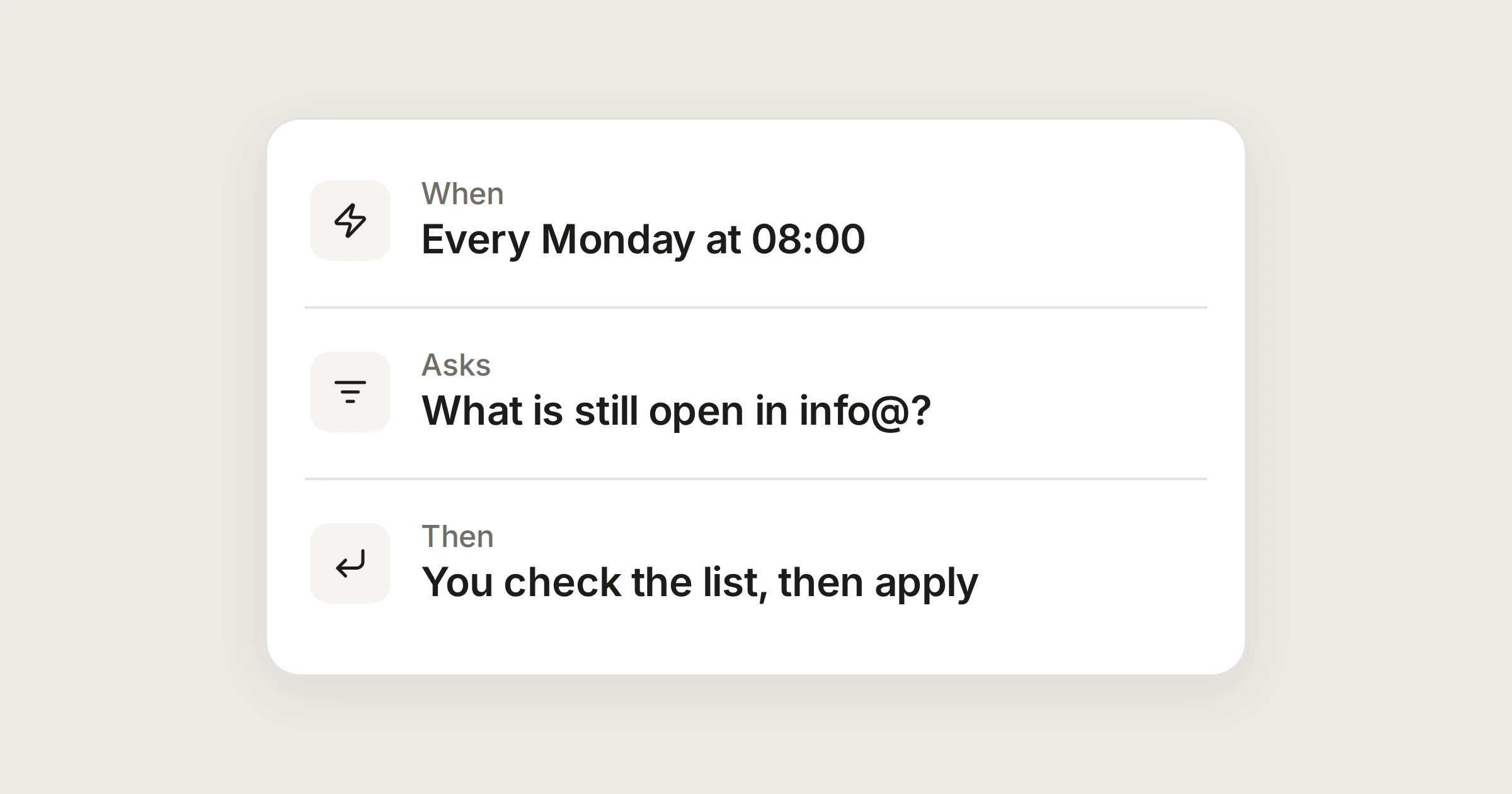
On this page
An automation follows a rule you wrote, the moment mail arrives. A routine is different. It is a request you would otherwise type into the Assistant, set to run on a schedule: a tidy-up every Monday at 08:00, say. The Assistant looks at your mail, works out what it would do and keeps the list for you.
The important part is what a routine does not do. It only prepares. There is no notification and no email. When its list is ready, a small dot appears on the Assistant button, and the list waits in the Assistant panel until you apply it.
In short
A routine is a request on a schedule, for you, with the model you choose.
It shows you the list first, and applies nothing by itself.
Everything you apply can be undone, and is recorded in Activity.
Before you start
The Assistant is off until it is switched on in two places, and then it needs an AI account: your own, or on the Business plan one key that an administrator adds for everyone. Read The Assistant first if you haven't set it up. An administrator allows it in Settings › Organisation › Assistant, then each person turns on Use the assistant in Settings › Assistant and connects a provider, such as Anthropic, OpenAI, Google Gemini or Mistral. The costs go to the account that owns the key.
Routines live in Settings › Assistant. Choose New routine, then fill in:
Name, shown in the list.
What should it do?, in your own words, as you would ask in the chat.
When: Every day, Monday to Friday, or Every week with a Day, and a Time.
Looks at: your private inbox, a mailbox, or all the mailboxes you can open. It reads shared mailboxes only if an administrator has allowed that.
Model: one of the models you connected.
When it's ready: Show me the list first.
Try it now runs the routine once, so you can see the kind of list you will get before you rely on it. You can have up to 20 routines.
1. A Monday catch-up
Monday catch-up
Every Monday at 08:00
Look at what came in since Friday. Flag as important anything that needs a reply from me, and list the conversations nobody has answered yet.
Shows you the list first. Nothing is changed by itself.
How routines workSet Looks at to your private inbox, or to all the mailboxes you can open if your administrators allow it. When you sit down on Monday, the list is waiting. Untick anything you disagree with, then apply.
2. A weekday tidy-up
End-of-day tidy-up
Monday to Friday at 17:30
Close notifications, receipts and newsletters that need no reply, and label receipts Receipts. Leave everything else alone, and tell me about anything you are unsure of.
Shows you the list first. Nothing is changed by itself.
How routines workThe Assistant can propose to flag, close, label, and move to Trash or Spam. It cannot send, forward or delete for good. The list shows each proposal on its own line with a tick, so you decide which to apply.
Keep the ask narrow
3. A Friday look at what is still open
Friday open conversations
Every Friday at 16:00
Look through what is still open. Suggest what to close, and flag as important anything that has been open for more than a week.
Shows you the list first. Nothing is changed by itself.
How routines workOn Friday afternoon you see what is still open and which of it you were about to forget. Close what is finished, keep the flags, and start next week lighter.
What happens when a routine runs
It runs on its schedule, with the model you picked, and prepares a list. A dot appears on the Assistant button.
Open the Assistant. The list is a set of cards with a tick on each line. Check them, change them if you want, then press Apply.
Anything it applied can be undone, from the card or the message that confirms it. Every change is recorded in Activity as made by you with the assistant.
If a run can't happen, the routine says why in its row: for example the assistant was off, your monthly limit was reached, or the provider didn't answer.
What it sends
Nothing goes to an AI provider until you ask or a routine of yours runs, and never in the background. Organising and tidying up send only headers, such as sender, subject and date. The text of a message goes only when a request needs it, to write, summarise or translate it. Your mail is decrypted to go to the provider you chose for that routine. See The Assistant for the full picture.
Routine or automation?
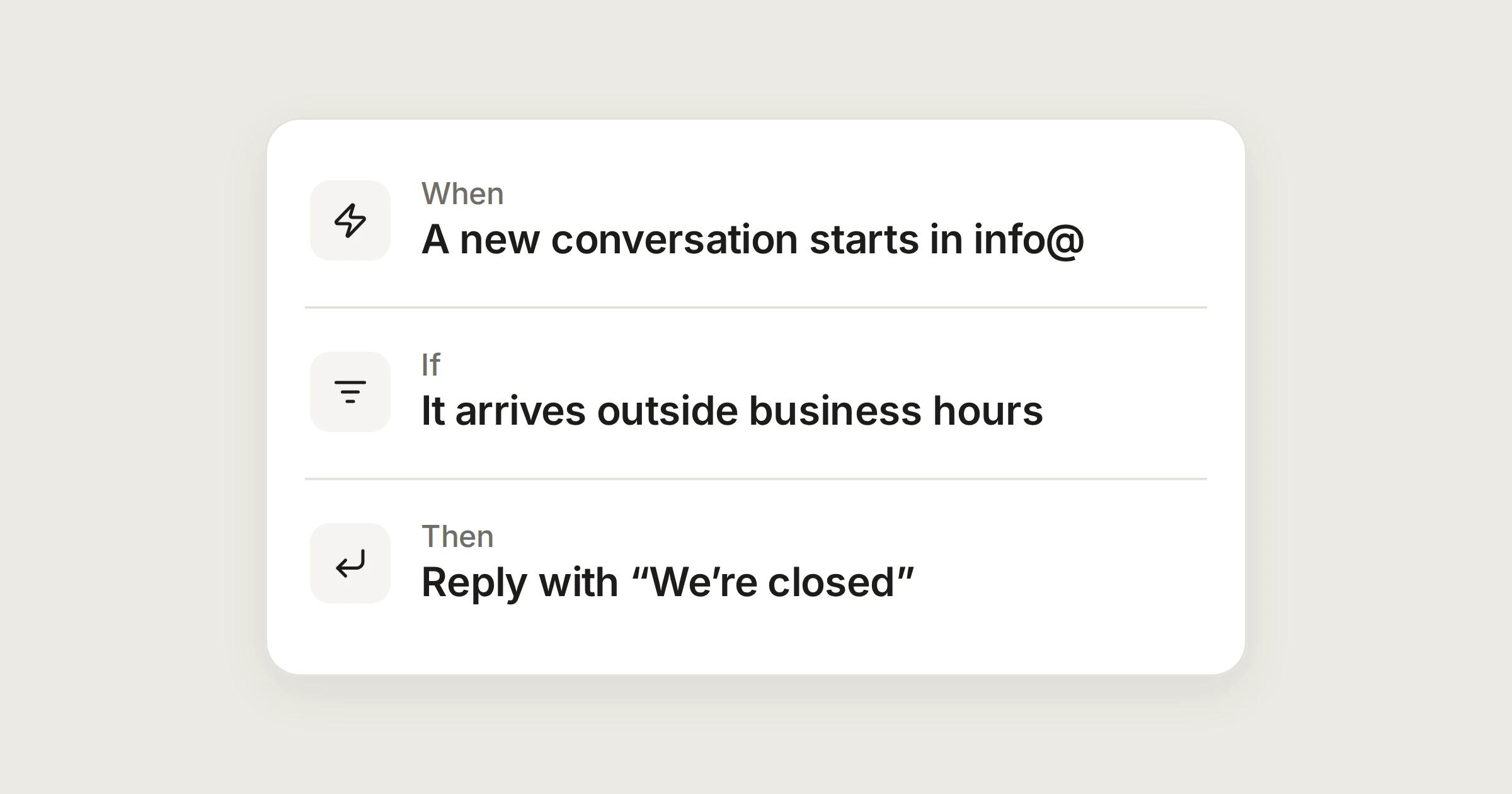
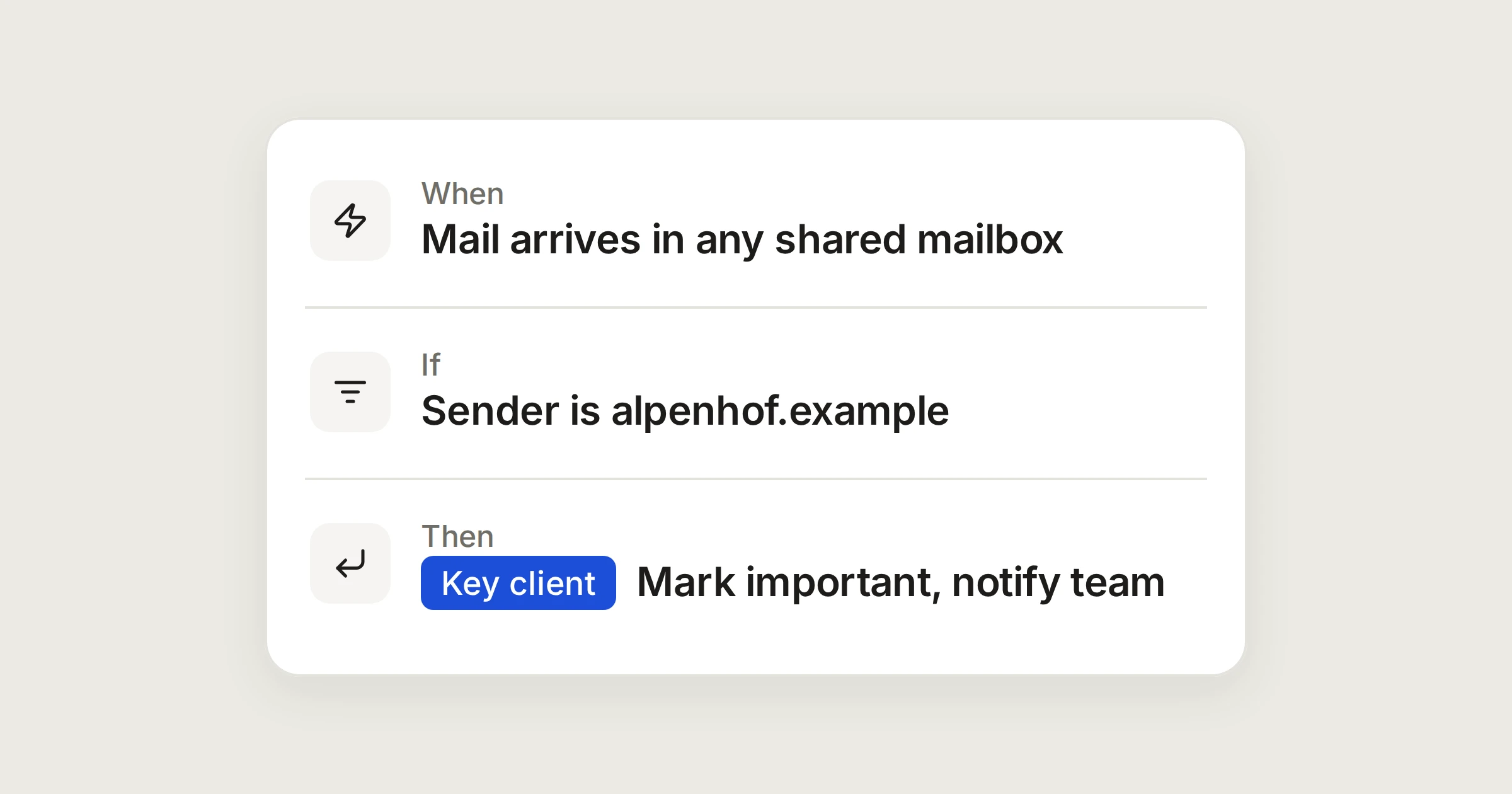
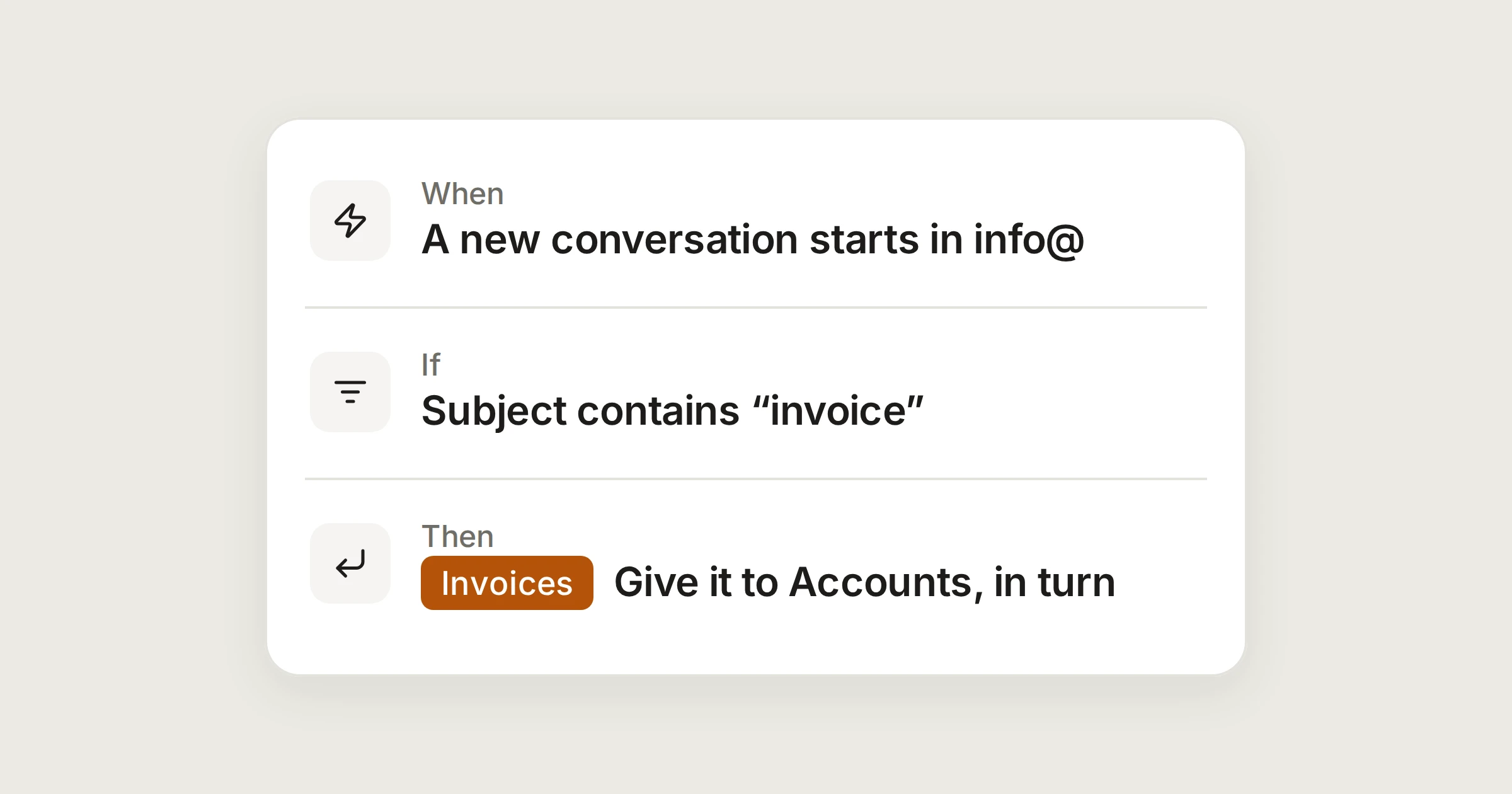
Use an automation when the rule is exact and the mail should be handled as it arrives: invoices to Accounts, a reply when you are closed. Use a routine when the job needs judgement and you want to look at the result first: what needs me, what can be closed, what has been forgotten. You can also ask the Assistant to describe an automation for you. It fills in the form, switched off, for you to test and save.
Share