Blog
Automations and routines
Rules that sort, assign and answer mail for you, and Assistant routines that check in on a schedule. Each post has something you can copy.
5 posts
 Automations· 3 min read
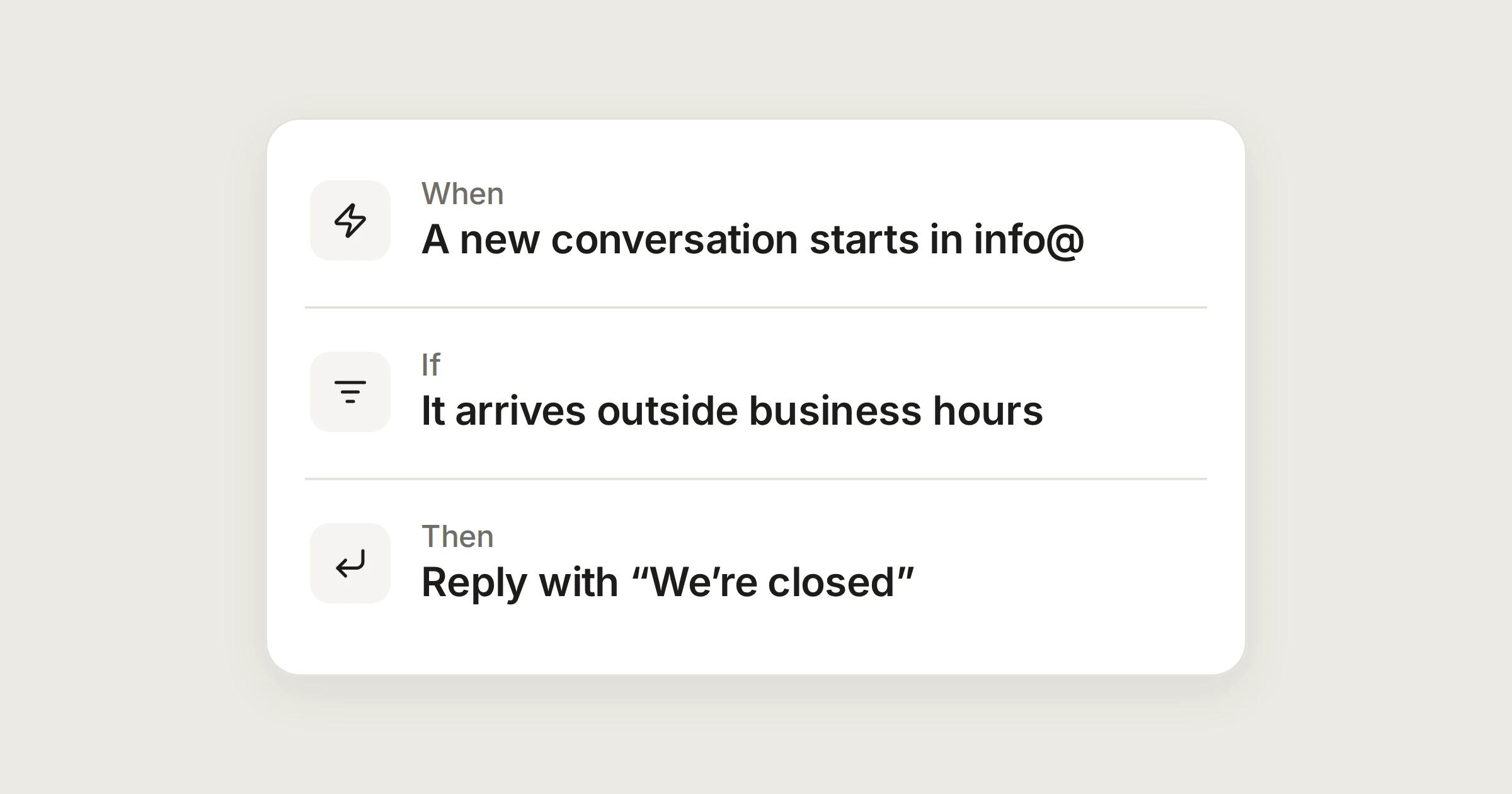
An out-of-hours reply that never answers itself
Set your opening hours and closed days, then let one automation say when you'll be back, once, and never to a machine.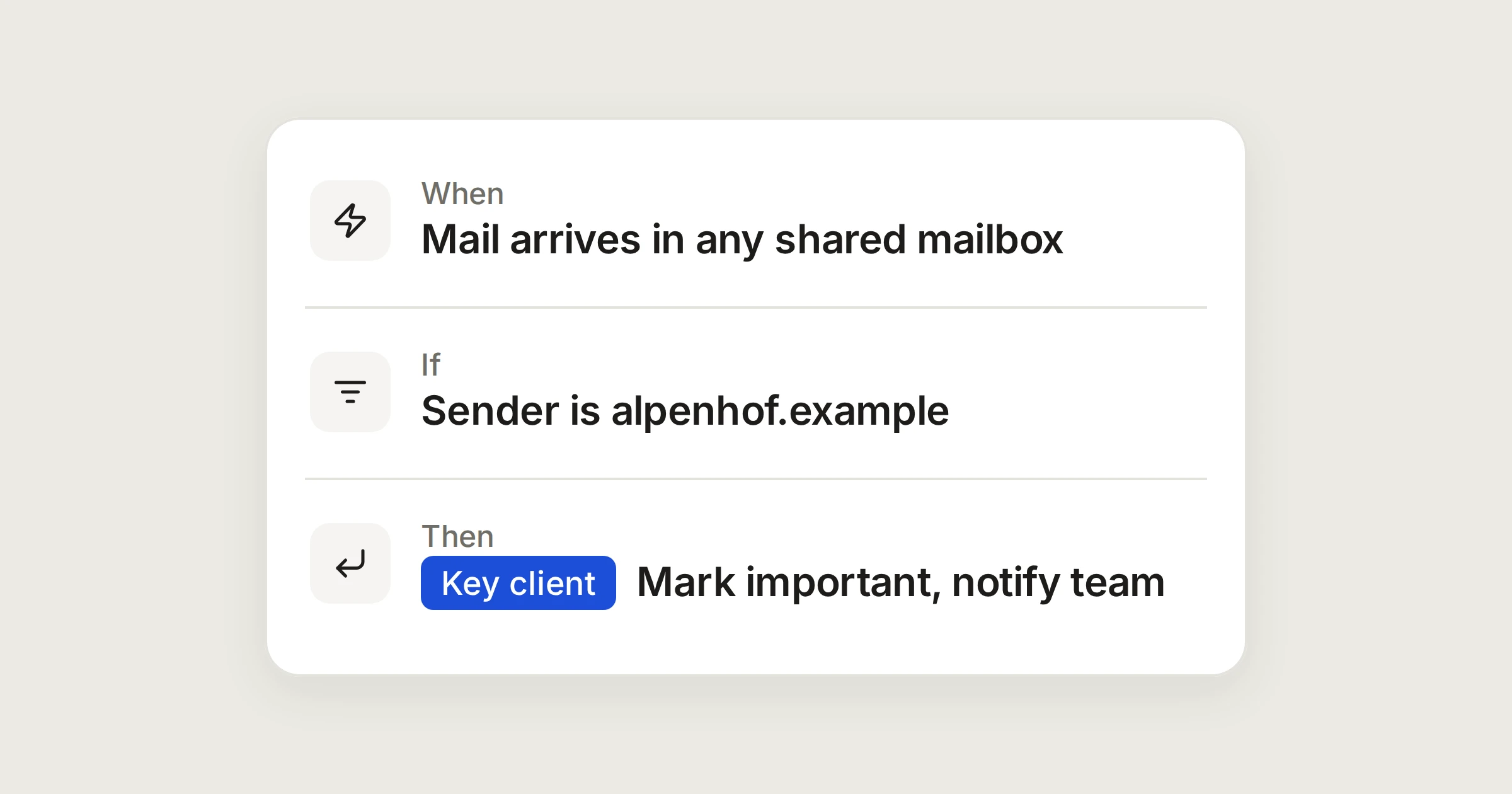 Automations· 3 min read
Know at once when a key client writes
Mark mail from a client's domain important, label it, and notify the people who look after them, wherever in your shared mailboxes it arrives.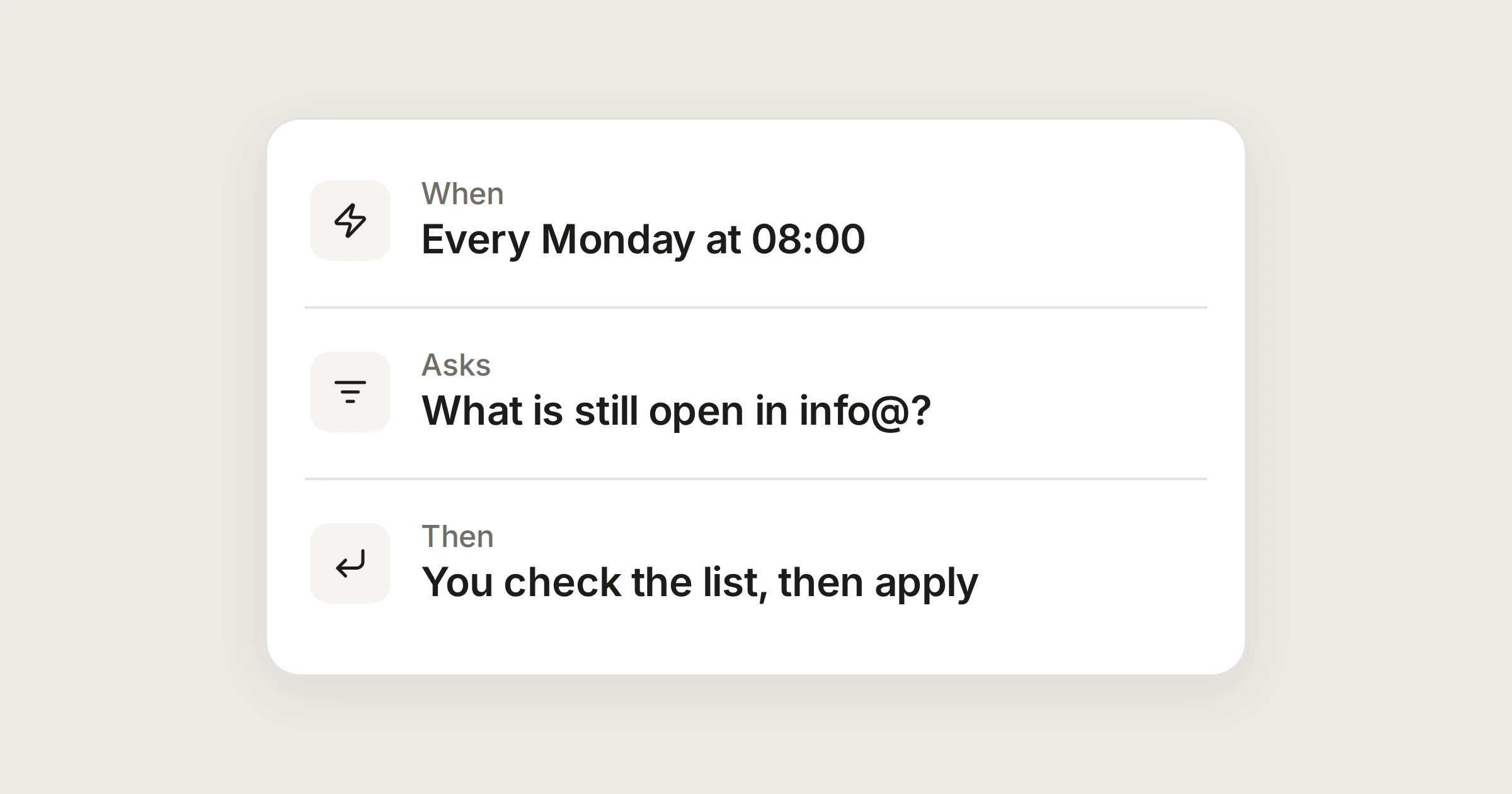 Automations· 4 min read
Routines worth setting up: three jobs for the Assistant
Give the Assistant a job on a schedule. It prepares a list, you read it, and nothing changes until you press Apply.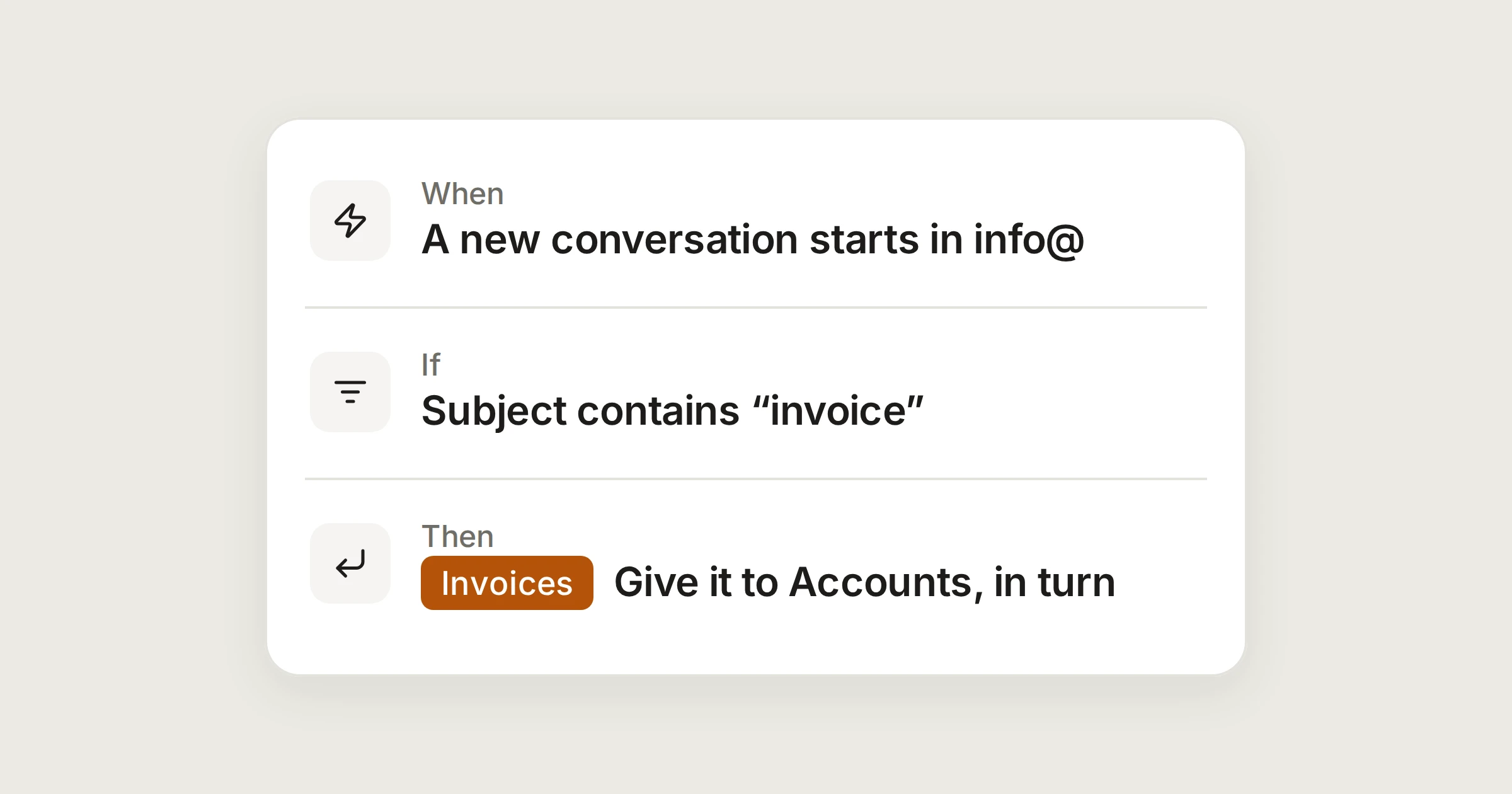 Automations· 3 min read
Send every invoice to Accounts, without forwarding
One automation labels each invoice that reaches info@ and hands it to the Accounts team in turn. Test it on recent mail, then switch it on.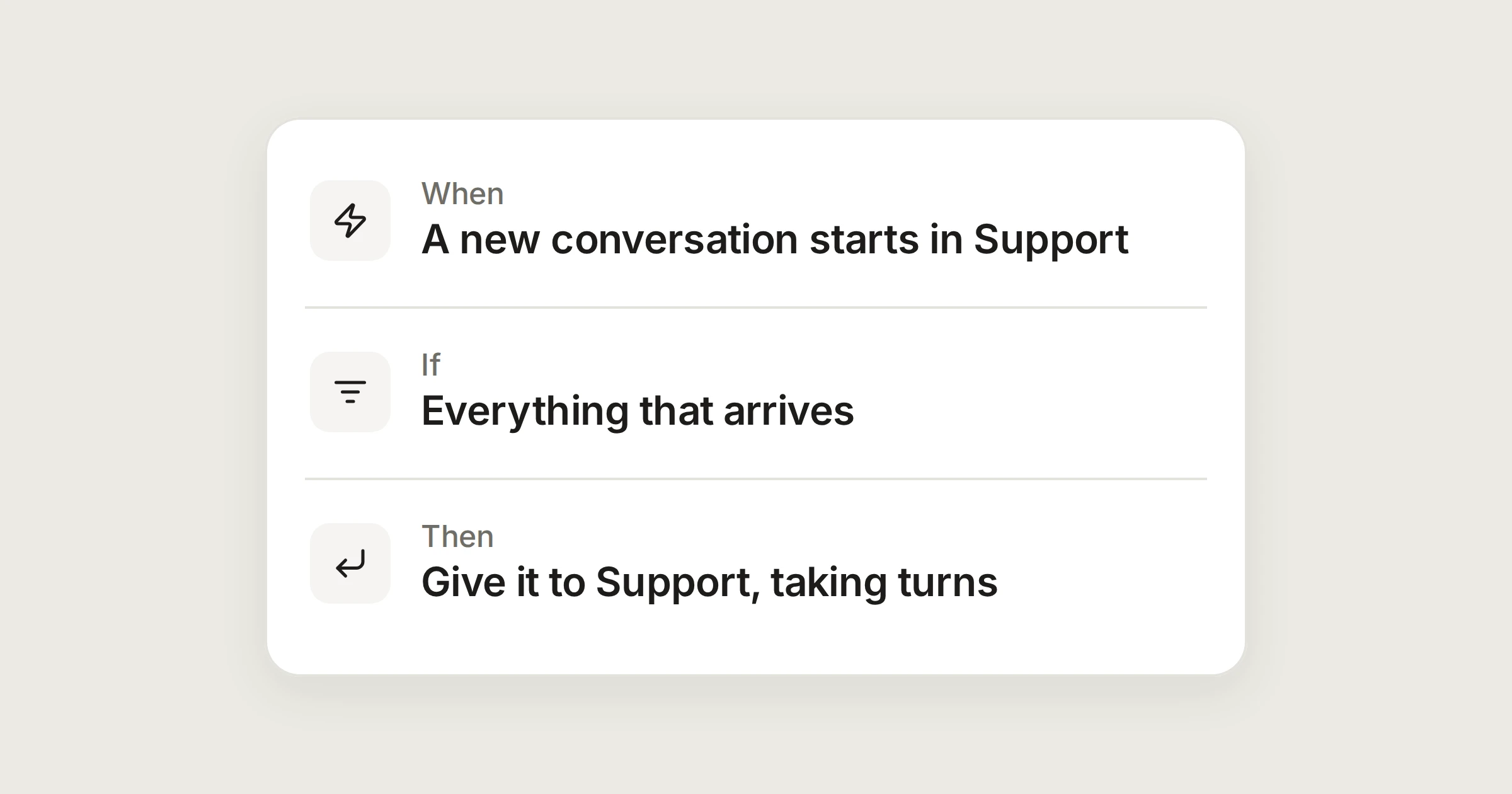 Automations· 4 min read
Share new mail out in turn, and catch what waits
Give each new conversation to the next person in a team, then add a second automation that speaks up when a customer has waited four working hours.
Automations to copy
Each one takes a minute in Settings, then Automations. Change the names and mailboxes to fit your team.
Be one of the first teams in
We let a few organisations into the private beta every week. Join the waitlist and we’ll email you when there’s room for your team.
Join in three quick questions, or ask us to show you around. No card needed.