A helpdesk or a shared inbox for customer support
A helpdesk usually works in ticket numbers and a portal. A shared inbox keeps your normal address and ordinary email. When each one fits.
DMU Mail team· · 5 min read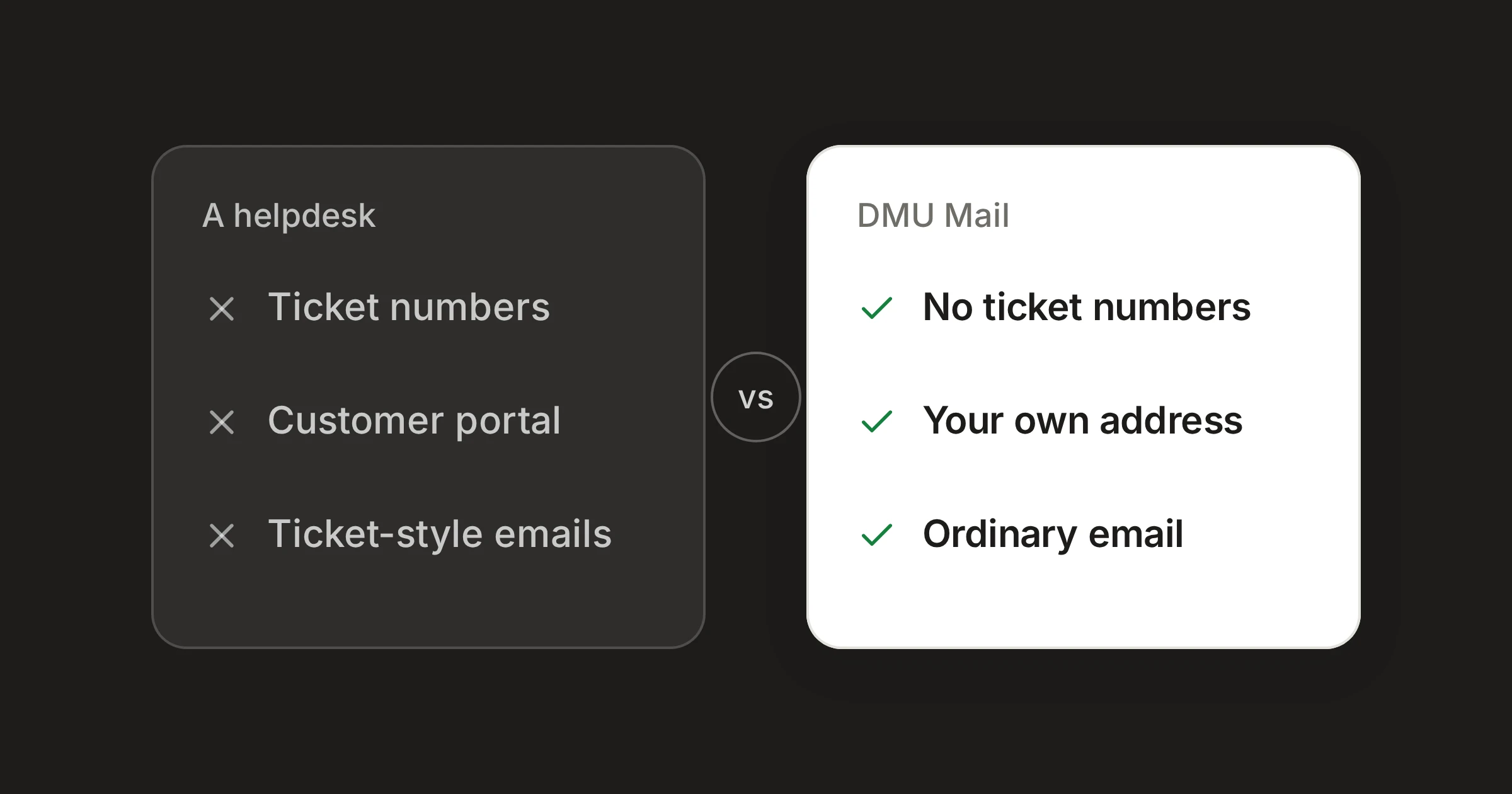
On this page
In short
A helpdesk is a kind of tool built around tickets, usually with ticket numbers, a customer portal and emails that look like tickets.
A shared inbox keeps your own address and ordinary email, and adds statuses, owners and views so the team can see who is answering what.
A helpdesk is the better fit when customers need a portal or ticket numbers, or when support reaches you from more than email.
When a team outgrows one person answering support@, it reaches for a helpdesk. That is a reasonable move, and for some teams it is the right one. For many small teams it is more than they need. This post sets the two ways of working side by side.
By a helpdesk we mean a kind of tool, not any one product. What follows is what such tools usually do, and you can check it against whichever you have used or seen.
What a helpdesk usually does
A helpdesk organises support around the ticket. Each message becomes a numbered ticket, and the ticket is the unit of work.
Ticket numbers. A customer’s question gets a reference, often shown in the subject line, so that the team and the customer can both quote it.
A customer portal. Customers can sign in to a page to follow their requests, and often to open new ones.
Ticket-style emails. What the customer receives from you may carry a ticket number, a footer or a template, rather than looking like a message from a person.
Per-agent pricing. Helpdesks are usually priced for each agent who answers tickets.
None of this is bad. It is a way of treating support as a queue of cases, and it suits some work well.
What a shared inbox does instead
A shared inbox starts from the other end. It is your normal address and normal email, shared with the team, with enough structure to see who is answering what. DMU Mail’s own words for the idea are a shared support inbox, without a helpdesk.
What the customer sees
- A helpdesk
- Usually a ticket number, and often a portal
- DMU Mail
- An ordinary email from support@, with no portal and no ticket number
Your address
- A helpdesk
- Often replaced by, or sent through, the tool
- DMU Mail
- Your own address, kept
Where a conversation stands
- A helpdesk
- Ticket status
- DMU Mail
- Open, in progress and closed
Who has it
- A helpdesk
- The ticket’s assignee
- DMU Mail
- Assigned to one person or several
Customers follow their own requests online
- A helpdesk
- Usually, through a portal
- DMU Mail
- No
Priced
- A helpdesk
- Usually for each agent
- DMU Mail
- For each person on the Team plan
| A helpdesk | DMU Mail | |
|---|---|---|
| What the customer sees | Usually a ticket number, and often a portal | An ordinary email from support@, with no portal and no ticket number |
| Your address | Often replaced by, or sent through, the tool | Your own address, kept |
| Where a conversation stands | Ticket status | Open, in progress and closed |
| Who has it | The ticket’s assignee | Assigned to one person or several |
| Customers follow their own requests online | Usually, through a portal | No |
| Priced | Usually for each agent | For each person on the Team plan |
Checked on 31 Oct 2026. Sources: Customer support, Assignment, Saved views, Pricing.
Spotted something out of date? Write to support@dmu.email and we’ll correct it.
The ideas behind the DMU Mail column are these.
Statuses, not tickets. A conversation is open, in progress or closed. Customers only ever see an ordinary email.
Your queue, and everyone else’s. Views list what is assigned to you and to others, so nothing sits unanswered. Closed work drops out of them. You can save a filtered view for each queue and keep it in your sidebar.
Fast from the keyboard. Move with j and k, open with Enter and reach any action with Ctrl K.
Bring in the right person. Mention a colleague from another team in team chat. They see that one conversation, not the whole of support@.
Saved replies. The common answers are shared by the whole team, with the customer’s name filled in.
Reopened by a reply. When a customer answers a closed conversation, it opens again and comes to the top of the list. There is nothing to switch on.
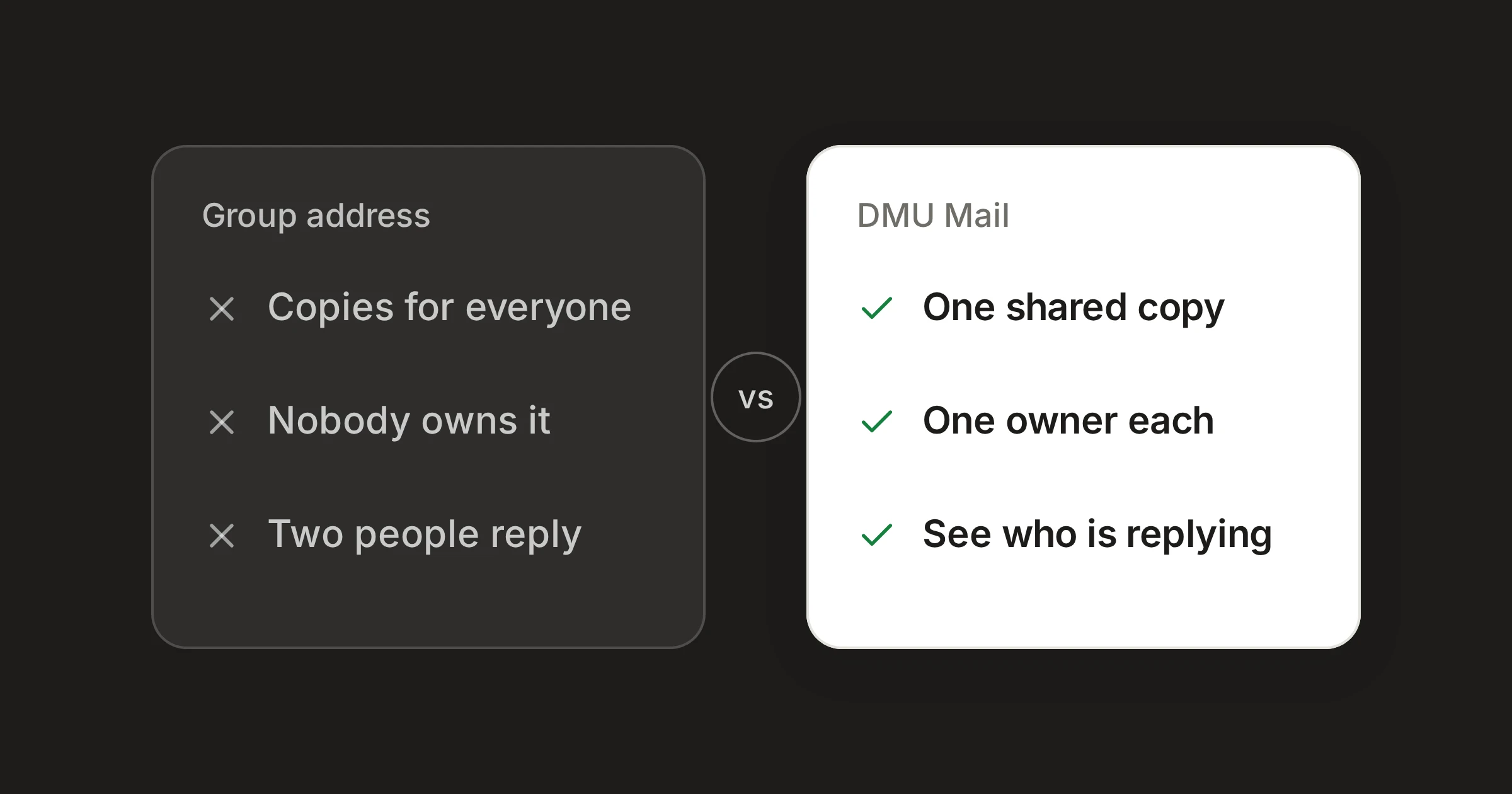
You can also see who is replying right now, so no customer gets two answers.
When a helpdesk is the better fit
Be honest about what you need. A helpdesk is the better choice in these cases.
Your customers expect a portal. If they should sign in and see the state of their request, a shared inbox does not offer that.
You and your customers quote ticket numbers. If a reference number is part of how support works, a helpdesk gives you one. DMU Mail has none.
Support comes from more than email. If requests arrive through a chat widget, a phone line or a web form, a tool built around tickets can take them all in one place. DMU Mail is about email.
A big team with a formal process. If you need strict handling rules for a large number of agents, look for a tool designed for it.
If those describe you, use a helpdesk and do not let a comparison like this talk you out of it.
When a shared inbox is enough
A shared inbox is enough when your customers write to support@, your team answers, and what you need is to see who has what.
The people who write to you are customers, not cases, and you want them to get an email that reads like a message from a colleague.
Most of your questions come by email, to an address you already publish.
You want the team’s answers to sound like the team.
Price is worth a straight word. DMU Mail’s Team plan is also priced for each person, so the shape of the bill is not the difference. The pricing page shows what is included.
A way to decide
Trying it
Connect support@ in Settings › Mailboxes, share it with the people who answer it, and try assigning a handful of conversations. The customer support page shows a day at support@, and the docs on statuses explain open, in progress and closed.
Share