Forwarding mail to colleagues, or a shared inbox
Forwarding and CC-ing everyone get an email in front of the right people. They lose who owns it, the thread and the customer’s reply.
DMU Mail team· · 5 min read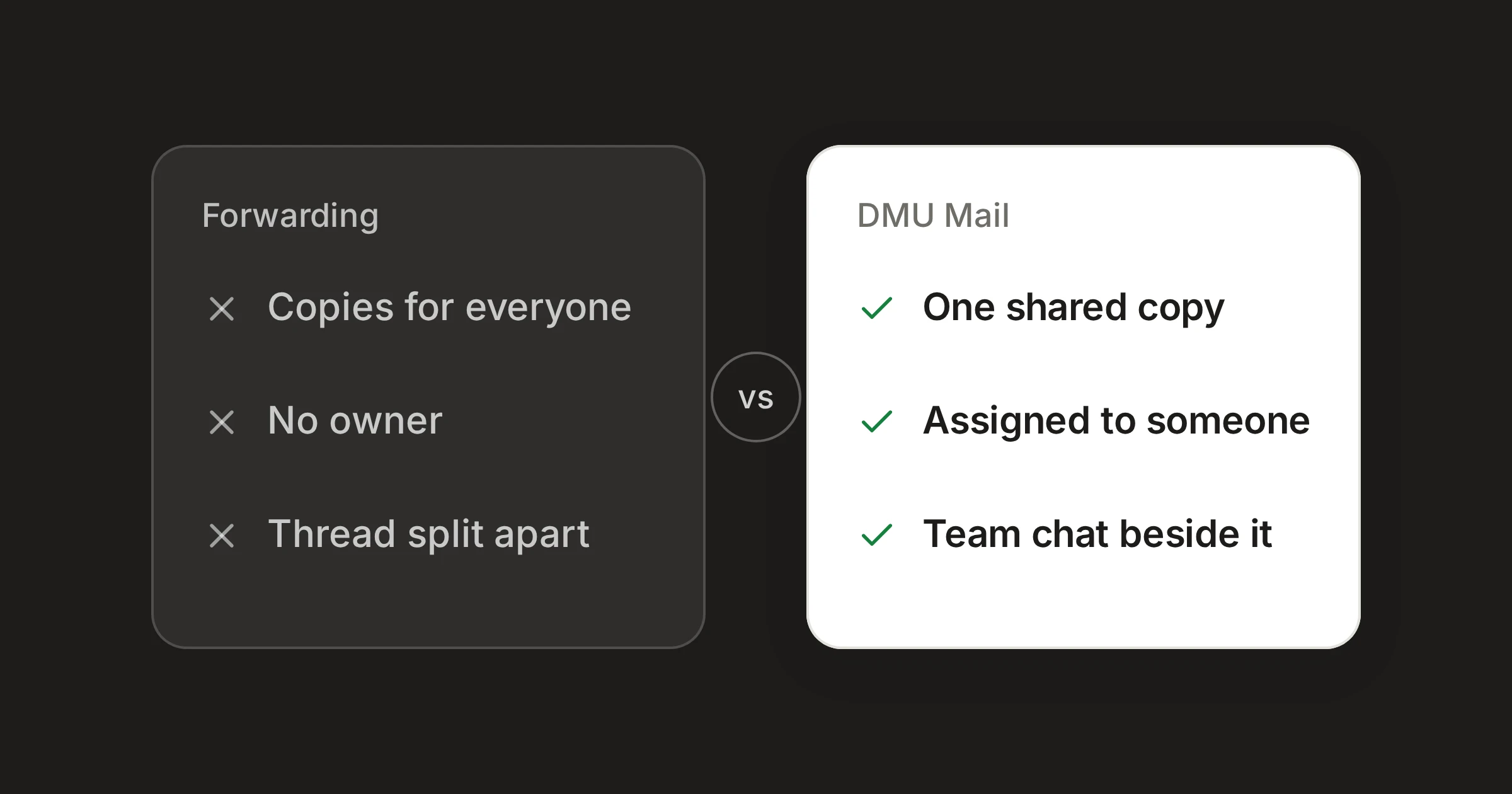
On this page
In short
Forwarding and CC-ing work for a quick look from one colleague. They break down when a conversation needs an owner.
What gets lost is the same each time: who is dealing with it, the thread, and where the customer’s reply goes.
A shared inbox keeps one copy of the conversation, with an owner and a team chat beside it, and still lets you bring in someone from outside the mailbox.
A customer writes to info@. Whoever sees it first forwards it to the person who knows the answer, perhaps with a colleague on CC. Nothing about this is wrong, and nearly every office does it. The trouble starts when it is the main way work moves around.
What gets lost
Who owns it
A forward says “can you look at this?” It does not say “this is yours.” The person who forwarded it assumes it is handled, the person who received it may assume someone else is on it, and the CC list nods along. The email sits in several inboxes, and nobody can see from any of them whether it has been answered.
The thread
Each forward starts a new message. The conversation with the customer is now in one place, and the conversation about the customer is in another, with the original quoted at the bottom. Add a second forward and a CC, and the question “what did we tell them?” takes a search through three mailboxes.
The customer’s reply
The customer answers whoever they last heard from, or whoever’s address was on the message. Replies can land in one person’s inbox while the others carry on without them. When that person is away, the reply waits for them.
Copies that drift apart
Everyone who was forwarded or CC-ed holds their own copy. One person reads it, another archives it, a third deletes it. There is no shared state, so there is no shared answer to “is this finished?”
What a shared inbox does
In a shared inbox there is one copy of the conversation. Everyone who can see the mailbox sees the same thread, in the same state.
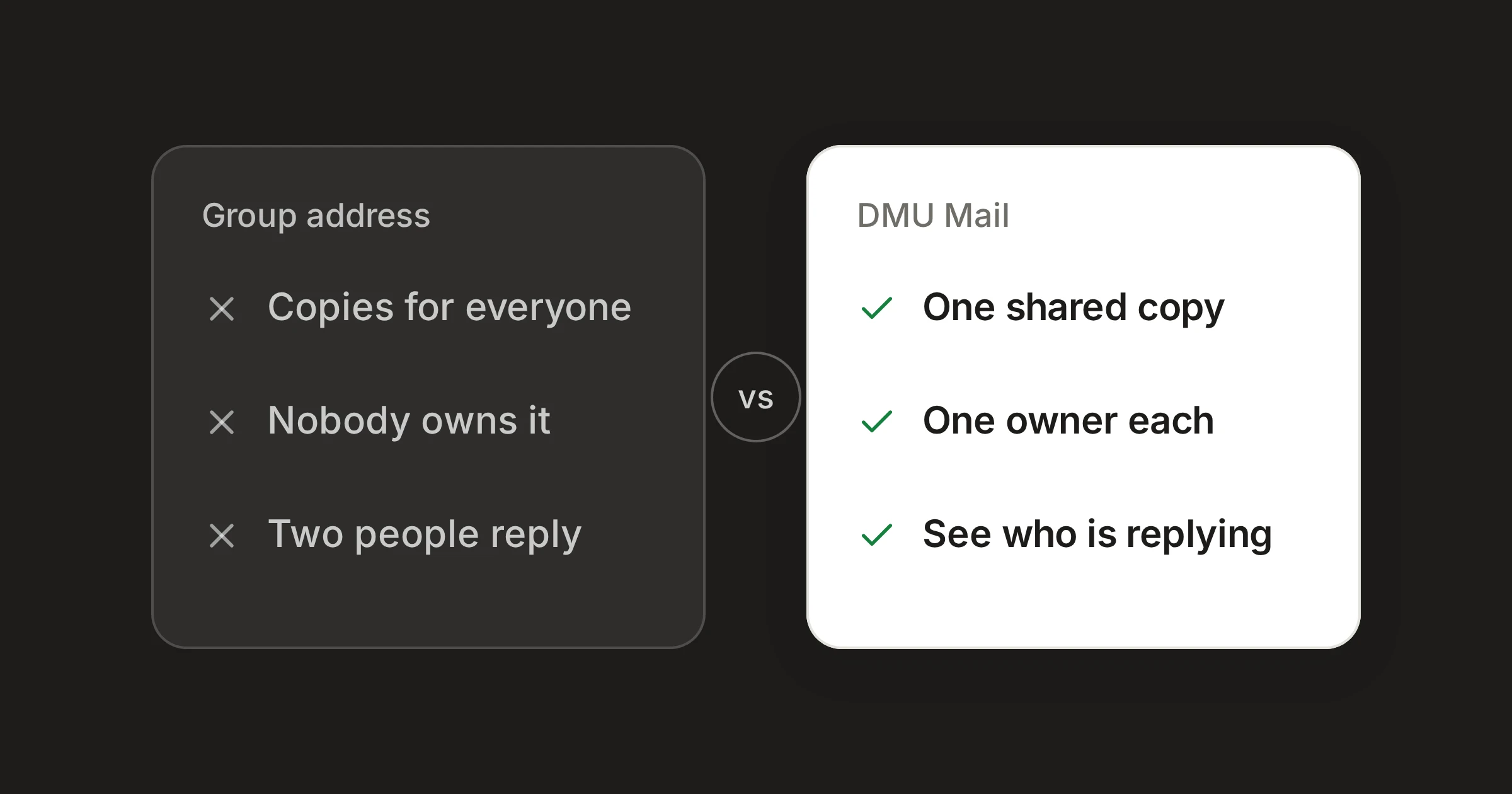
Copies of the email
- Forwarding or CC
- One for each person it was sent to
- DMU Mail
- One conversation for the whole team
Who has it
- Forwarding or CC
- Whoever replies, if they say so
- DMU Mail
- Assigned to one person or several, shown in the list
Talking it over
- Forwarding or CC
- In a new message, apart from the thread
- DMU Mail
- Team chat under the email, which customers never see
Bringing in someone else
- Forwarding or CC
- Forward the whole thread
- DMU Mail
- Mention them, and they get that one conversation only
History of what happened
- Forwarding or CC
- Search several mailboxes
- DMU Mail
- Written into the conversation
Needs an account for each person
- Forwarding or CC
- No
- DMU Mail
- Yes, for anyone who works in the mailbox
| Forwarding or CC | DMU Mail | |
|---|---|---|
| Copies of the email | One for each person it was sent to | One conversation for the whole team |
| Who has it | Whoever replies, if they say so | Assigned to one person or several, shown in the list |
| Talking it over | In a new message, apart from the thread | Team chat under the email, which customers never see |
| Bringing in someone else | Forward the whole thread | Mention them, and they get that one conversation only |
| History of what happened | Search several mailboxes | Written into the conversation |
| Needs an account for each person | No | Yes, for anyone who works in the mailbox |
Checked on 31 Oct 2026. Sources: Shared inboxes, Assignment, Team chat, Mentions.
Spotted something out of date? Write to support@dmu.email and we’ll correct it.
The rows come down to four things.
One copy. The conversation stays in the mailbox. Colleagues open it there instead of receiving it.
An owner. A conversation is assigned to one person or several, and their faces show beside it in the list. Open conversations that nobody has taken wait in the Inbox, and once someone is assigned it becomes In progress and moves on.
A place to talk. Team chat sits under the email, next to Reply. A note there is never part of the email that goes out. It stays with the conversation, so the next person to open it can read what was said.
A way in. Type @ in team chat to bring in a colleague or a whole team. They are told at once, and they can open that one conversation even if they cannot see the mailbox.
The customer’s reply arrives where the rest of the conversation is. If it comes after you closed the conversation, it opens again and comes to the top of the list.
Every change is also written into the conversation: who assigned it, who closed it and when. You do not have to ask what happened.
Where forwarding is good enough
Forwarding is fine, and often better, in these cases.
A one-off question. If you need a colleague’s opinion on a single email, forwarding is quick and needs nothing set up.
Someone outside your organisation. A forward goes to anyone with an email address. A mention works for people in your organisation.
Only two people. If two colleagues share the work and talk all day, a shared inbox may add little.
A private matter. Sending a sensitive email to the one person who should see it is simpler than deciding who has access to a mailbox.
There is one limit to a mention that is worth knowing. Someone brought into a conversation can read it and join the team chat, but to reply they use a mailbox of their own. If you want them to answer the customer from info@, share the mailbox with them.
You can still forward
Moving without a big change
Connect the address you already use for forwarding in Settings › Mailboxes. An administrator chooses who sees it, such as everyone who used to receive the forwards. Once they can open it, you can stop forwarding. Customers keep writing to the same address.
The docs on assigning a conversation and on team chat and mentions show the day-to-day.
Share