Customer support without a ticket portal
Answer support@ as a team, from your own address. No ticket numbers, no portal, and everyone can see what is open and who has it.
DMU Mail team· · 4 min read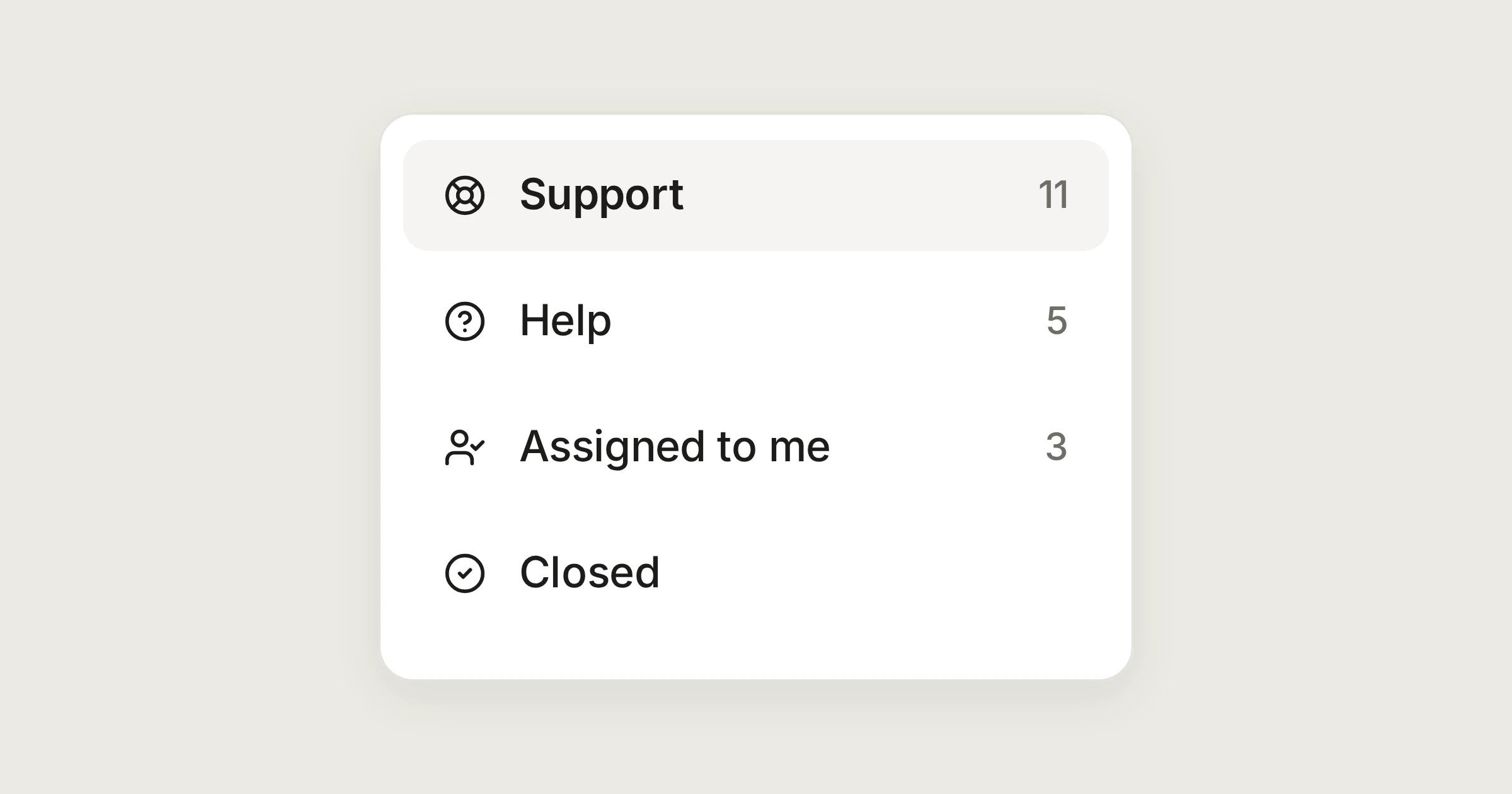
On this page
Most small teams do not need a helpdesk. They need to see who is answering what, and to make sure each customer hears back once. Here is a day at the support address of Aegean Freight, the demonstration organisation we use for examples. The customers are made up, on .example domains. The customer support page has the short version.
In short
Customers write to support@ and get an ordinary email back. There is no portal and no ticket number.
Open, In progress and Closed show where each conversation stands. Views show your queue and everyone else's.
You see who is reading and who is writing a reply, live, before you start your own.
One address, answered as a team
support@aegeanfreight.example is a shared mailbox, so it shows under Shared inboxes for the people who answer it. New mail that nobody has taken waits in its Inbox. That is the queue.
Each conversation has a status:
Open: new, and waiting for someone.
In progress: someone has it. It still counts as open.
Closed: dealt with.
Assigning is what moves a conversation. When you choose Assign to me, an open conversation becomes In progress and leaves the shared Inbox. Statuses lists the few cases where DMU Mail moves one for you.
Starting the day
Katerina opens the Inbox of support@ and works down it from the keyboard.
Press
jandkto move between conversations, and Enter to open one.Press
vto assign it, or choose Assign to me.Press
rto reply, and Ctrl Enter to send.
Ctrl K opens the command palette for any other action. Keyboard shortcuts has the whole list.
The same question, answered the same way
A customer asks how to reset a password, or where a parcel is. Saved replies are the team's shared answers. Choose Saved replies in the reply, pick one and choose Insert. If it has blanks, such as {{customer_name}}, DMU Mail asks for them first. You can still change every word before you send. A reply made for support@ is found only by people who can see that mailbox. See Saved replies.
Who is on it, live
Open a conversation and your face joins the others in its top bar. When a colleague starts a reply, "Maria is writing a reply" shows on the message she is answering, and on its row in the list before you open it. You can choose Join the draft to write it together, or Leave it to Maria. If her reply goes out while you are writing yours, Send asks you first.
For the queue itself, use the views. Assigned to me lists what is still to do for you, and Assigned to others lists the same for everyone else. Closed work drops out of both. Save a filtered view for each kind of request, and it sits in your sidebar. The saved views page shows how.
Bringing in someone else
A login problem belongs to a colleague in another team. Type @ in team chat under the email and pick Dimitris. He can open that one conversation, but not the rest of support@, and the customer never sees the chat. Team chat and mentions covers it.
What the customer sees
An ordinary email from support@, replying to what they wrote. No portal to sign in to and no reference to quote. When you reply, the conversation closes once the message has gone, if Close the conversation after sending is on in Settings › Writing. When the customer writes back, the conversation opens again and returns to the top of the list. Reopen on reply explains what does not reopen it, such as an out-of-office answer.
When someone is away
The queue does not belong to a person.
Unassigned mail waits in the Inbox for whoever is in.
A colleague's open conversations show under Assigned to others. Select them and choose Assign, if your administrator lets you assign to others.
The history among the messages says what was done and by whom, so the next person does not ask the customer to repeat themselves.
A different tool
Share