One inbox for every address you run
A mailbox per company or client, read in one list and answered from the right address. How one person runs them on the Individual plan, at €5 a month.
DMU Mail team· · 4 min read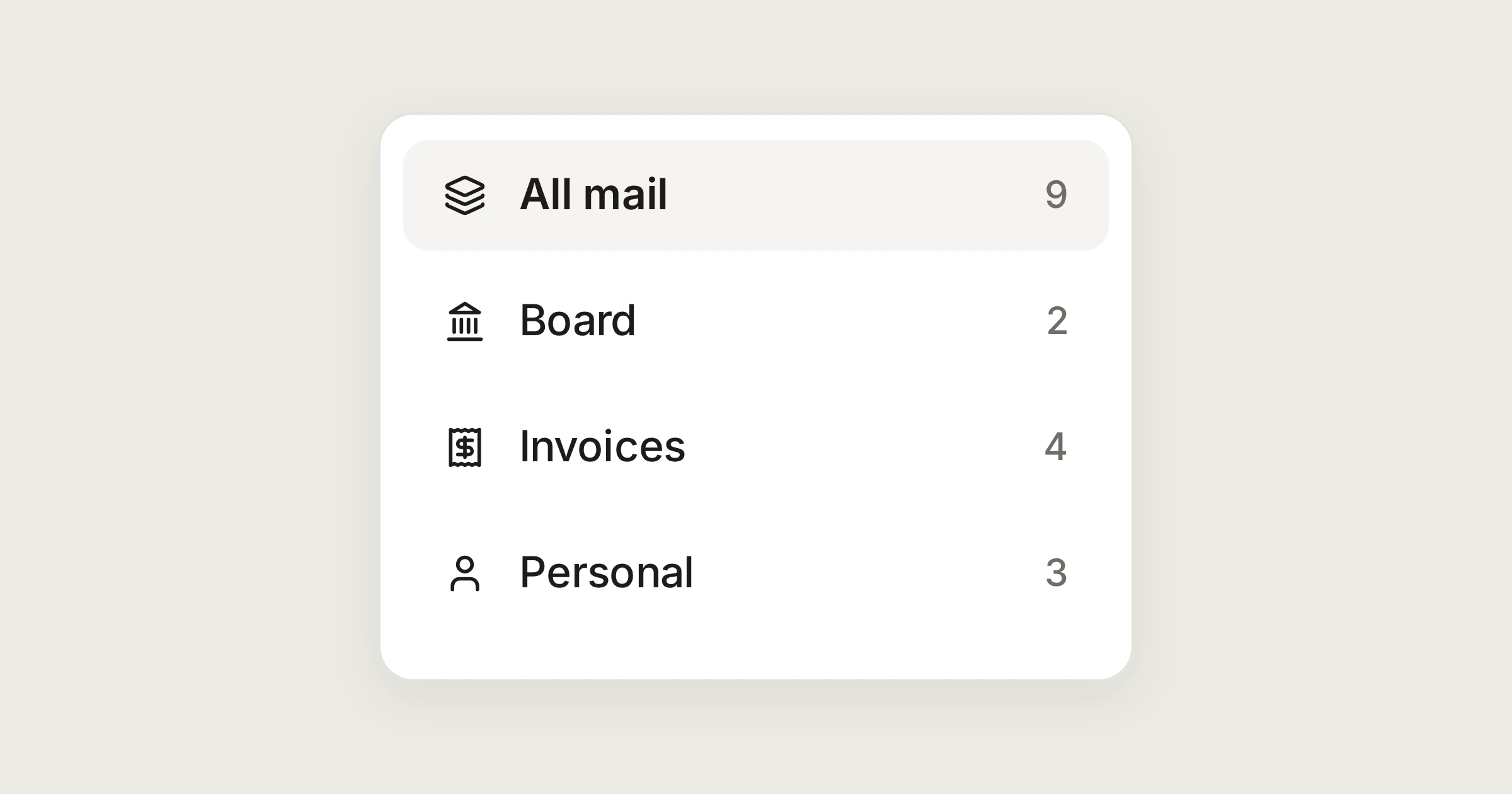
On this page
Some people run more addresses than they have colleagues. An investor has a mailbox for each company. A freelancer has one per client. A consultant keeps a work address, an invoices address and a personal one. The usual way to cope is a tab per account, and a daily risk of replying from the wrong one. This post follows one person, Alex, who looks after four addresses for Aegean Holdings, a made-up group on .example domains. The individuals page has the short version.
In short
10 mailboxes are included. Read them in one list, or one at a time.
A reply goes out from the address the message was sent to.
One search covers every mailbox. The Individual plan is €5 a month, before VAT.
The four mailboxes
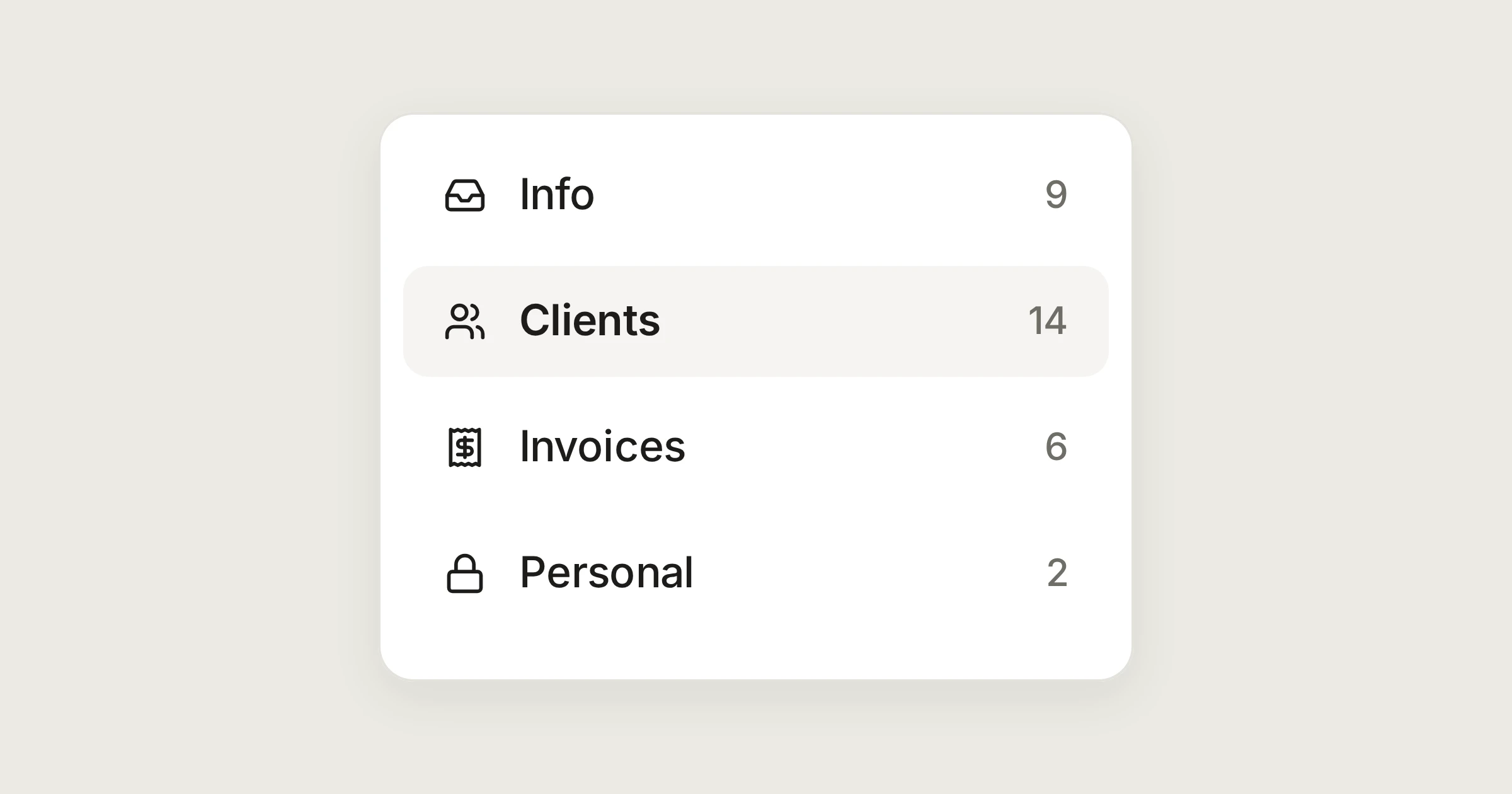
Alex runs board@, hello@, invoices@ and me@. Each one is a private inbox, for Alex alone, so they appear under Private inboxes in the sidebar. DMU Mail connects to the mailboxes you already have, so nothing changes at your provider.
To add one:
Open Settings › Mailboxes and choose Add a mailbox.
Enter the address. For Gmail and Microsoft 365, sign in with Google or Microsoft in the window that opens. For another provider, DMU Mail looks up the mail servers, or asks you for them, and you give the username and password or app password.
DMU Mail tests reading and sending before anything is saved. Then choose whether to import your history.
Connect a mailbox has the details, and the any mail provider page lists what works.
One list, or one at a time
At the top of the sidebar, All mail gathers every mailbox. Its Inbox shows your open conversations from all four addresses together, and each mailbox opens into its own views if you want to read one at a time. Give each mailbox an icon or a colour in its settings, so you can tell the rows apart at a glance. You can also reorder the sidebar with Customize sidebar, and the layout is yours.
On a Monday, the first thing in the list is the Q3 board pack in board@. Alex opens the PDF in place, without downloading it. Below it is an invoice in invoices@ and a note from a friend in me@.
Reply from the right address
A reply goes out from whichever address the message was sent to. So a client of hello@ never hears from board@ by accident, which is the mistake the tab-per-account habit invites. In a mailbox's settings, under General, you can add other addresses it answers to, and replies follow those too. The From picker shows the mailbox icons, so you can see which address you are writing from before you send.
One search
Alex remembers an invoice but not where it landed. Searching across All mail looks in every mailbox you can see: subjects, the text of messages, names and addresses of senders and recipients, and attachment file names. It matches whole words, so type the reference in full. Add label: and a label's name to narrow it. Search has the rest.
Labels for each company
Give each company or client a label, and put the work inside it: Aegean Holdings can hold Board and Invoices. Labels nest up to three levels, and a group's view lists everything inside it, with one count. Press l to label a conversation. The nested labels page shows it.
The answers you give every week
An invoice arrives and the reply is always the same. Write it once as a saved reply, in Settings › Response templates, with a blank such as {{invoice_number}}. In any reply, choose Saved replies, pick it, and choose Insert. DMU Mail asks for the blank, then fills it in. See Saved replies.
Late at night, write the reply anyway, and choose the clock button next to Send, then Tomorrow morning. It goes out at your default time, 08:00 unless you change it in Settings › Writing, and waits in the Scheduled view until then. Send later and undo send explains both.
What the others see
Your correspondents see ordinary email from the address they wrote to. Nobody else sees your mailboxes at all. On the Individual plan there is no team chat. In its place you get private notes that only you see, which is useful for remembering why you chose a price.
What the plan includes
Individual is €5 a month, before VAT. It is one fixed price for one person, and paying yearly is the same price, billed once for 12 months. It includes every mail feature, 10 mailboxes and 20 GB, and also the API and webhooks and Analytics. What it leaves out is what needs other people: shared mailboxes, assigning conversations, mentions and teams. You can add mailboxes and storage without changing plan. Pricing has the full table.
If you later need to bring someone in, you move to Team and invite them. Your mailboxes and settings come with you.
DMU Mail is in a private beta, and we let a few people in every week.
Share