Blog
Ideas for better email
How teams share an inbox, automations and routines worth copying, honest comparisons, and ways to connect DMU Mail to your other tools with Claude, the API and webhooks.
Page 2 of 3
 Use cases· 4 min read
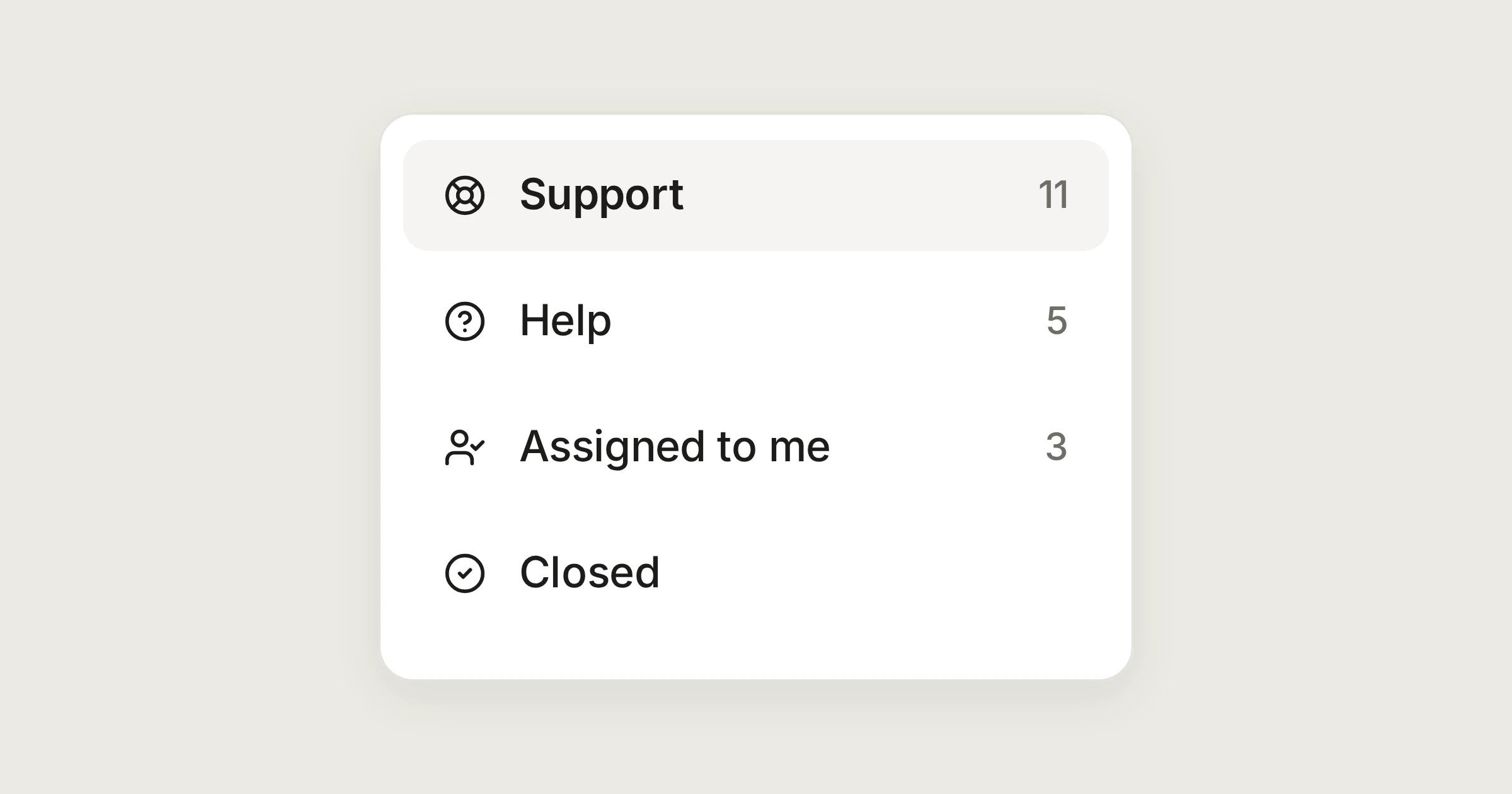
Customer support without a ticket portal
Answer support@ as a team, from your own address. No ticket numbers, no portal, and everyone can see what is open and who has it.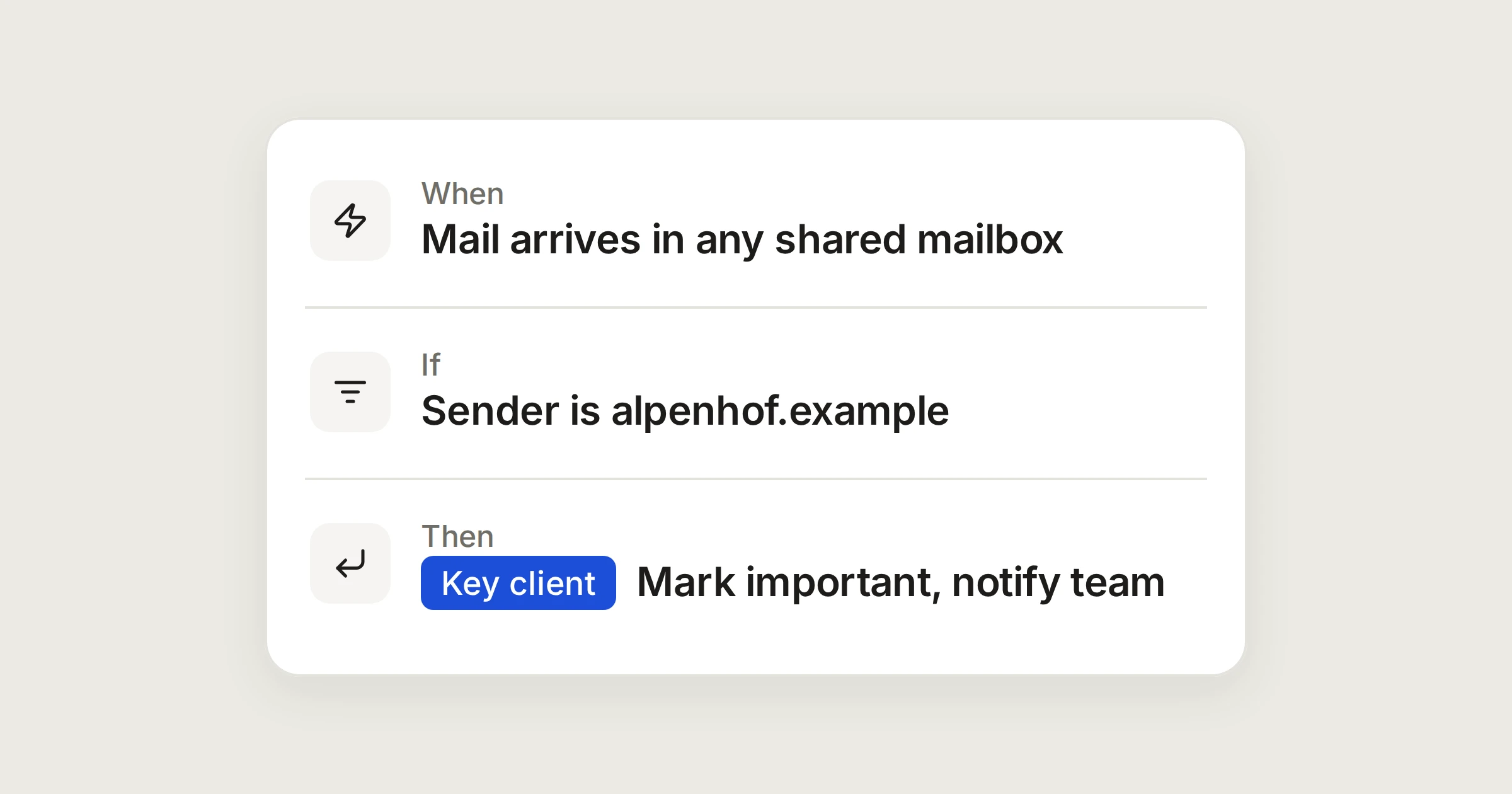 Automations· 3 min read
Know at once when a key client writes
Mark mail from a client's domain important, label it, and notify the people who look after them, wherever in your shared mailboxes it arrives.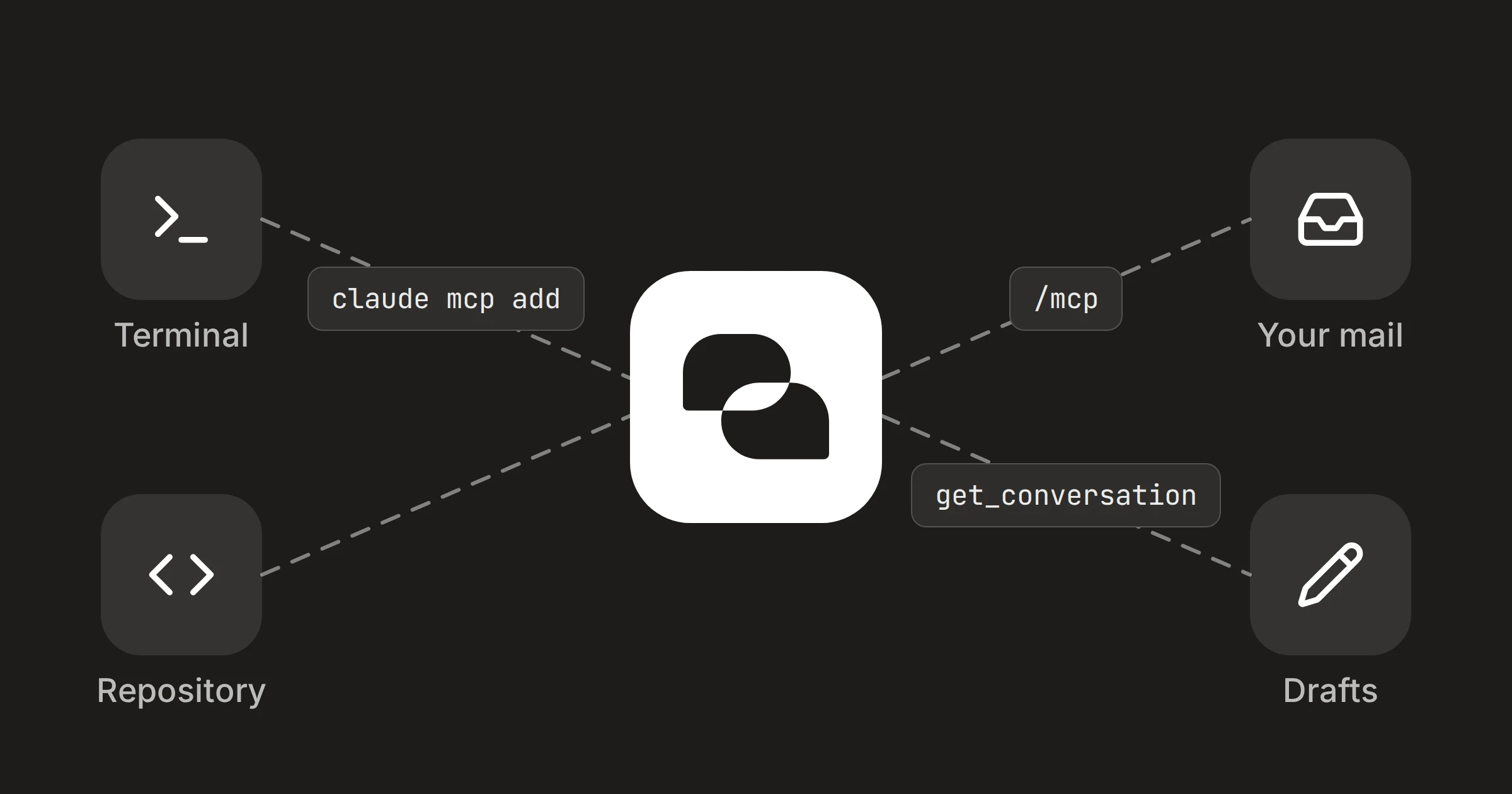 Integrations· 3 min read
DMU Mail in Claude Code: your inbox, beside your code
Add the connector with one command, sign in from /mcp, and read customer mail without leaving the terminal. Claude drafts; you send. Email know-how· 4 min read
To, Cc, Bcc and Reply-To: which one, and when
Four address fields, four different jobs. What each one does, and how to use them when a whole team answers info@ and orders@.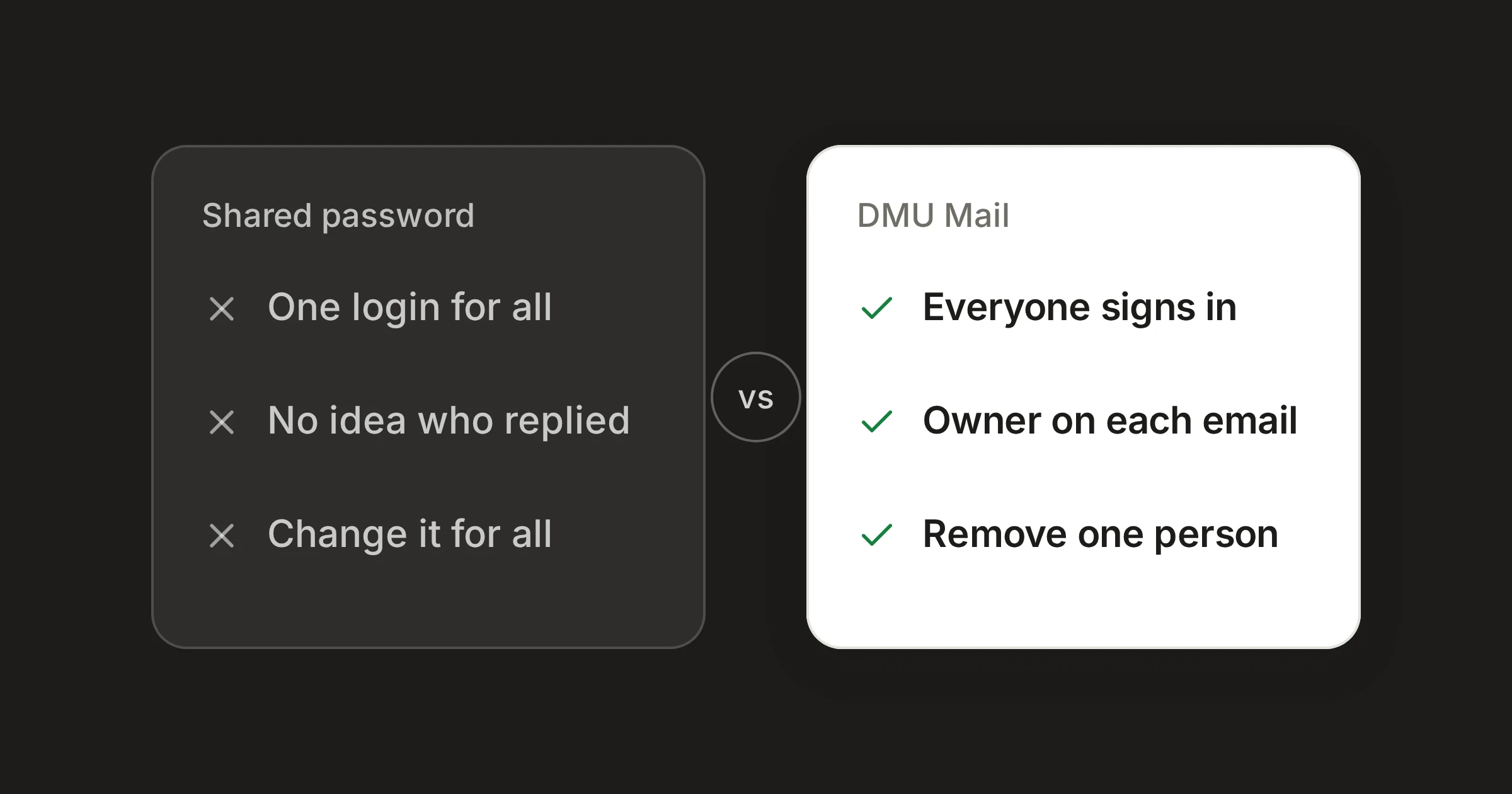 Comparisons· 5 min read
A shared inbox or a shared password: the difference
Many teams start by sharing one login to info@. What that costs you as the team grows, and what a shared inbox does differently.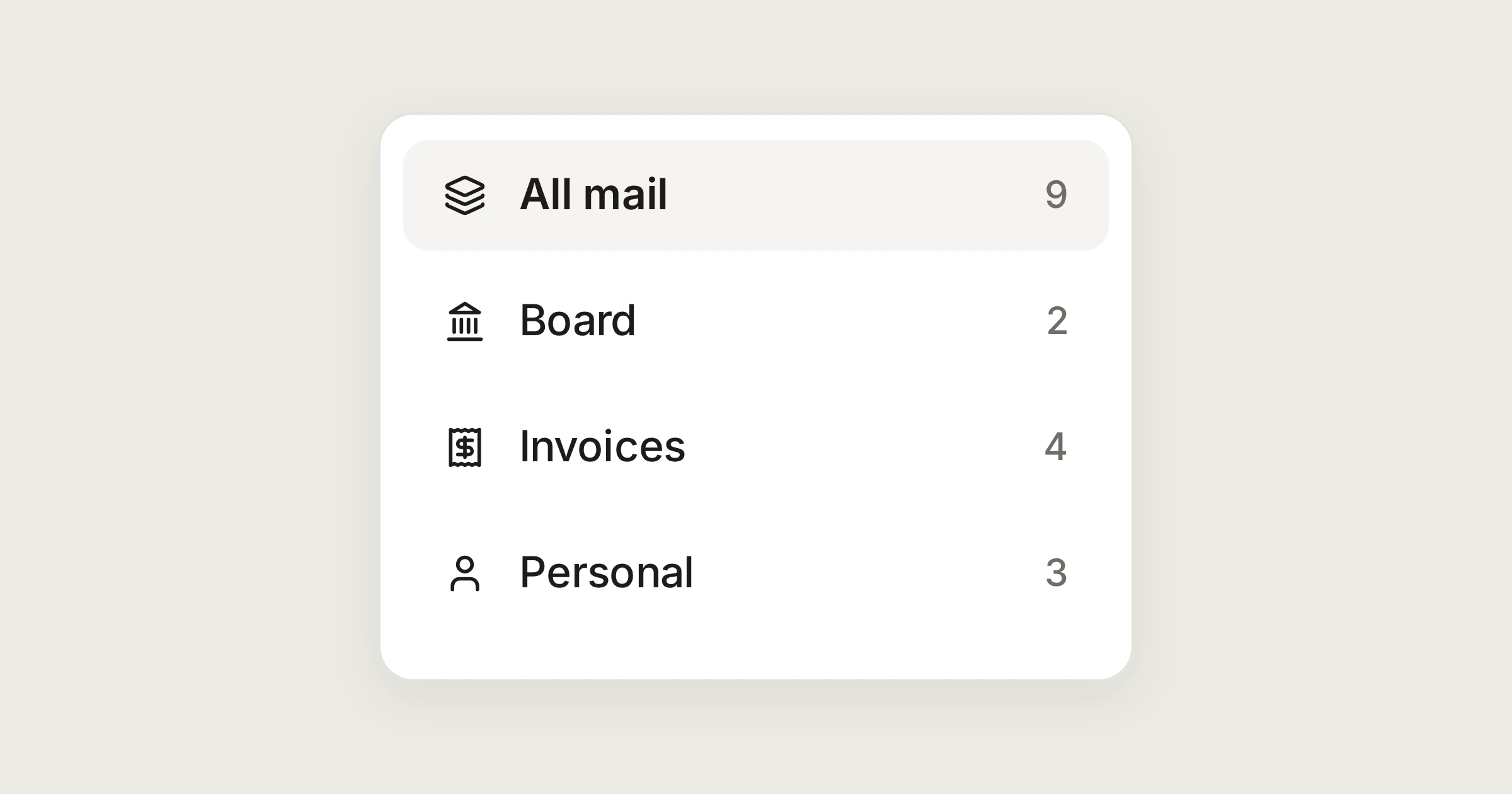 Use cases· 4 min read
One inbox for every address you run
A mailbox per company or client, read in one list and answered from the right address. How one person runs them on the Individual plan, at €5 a month.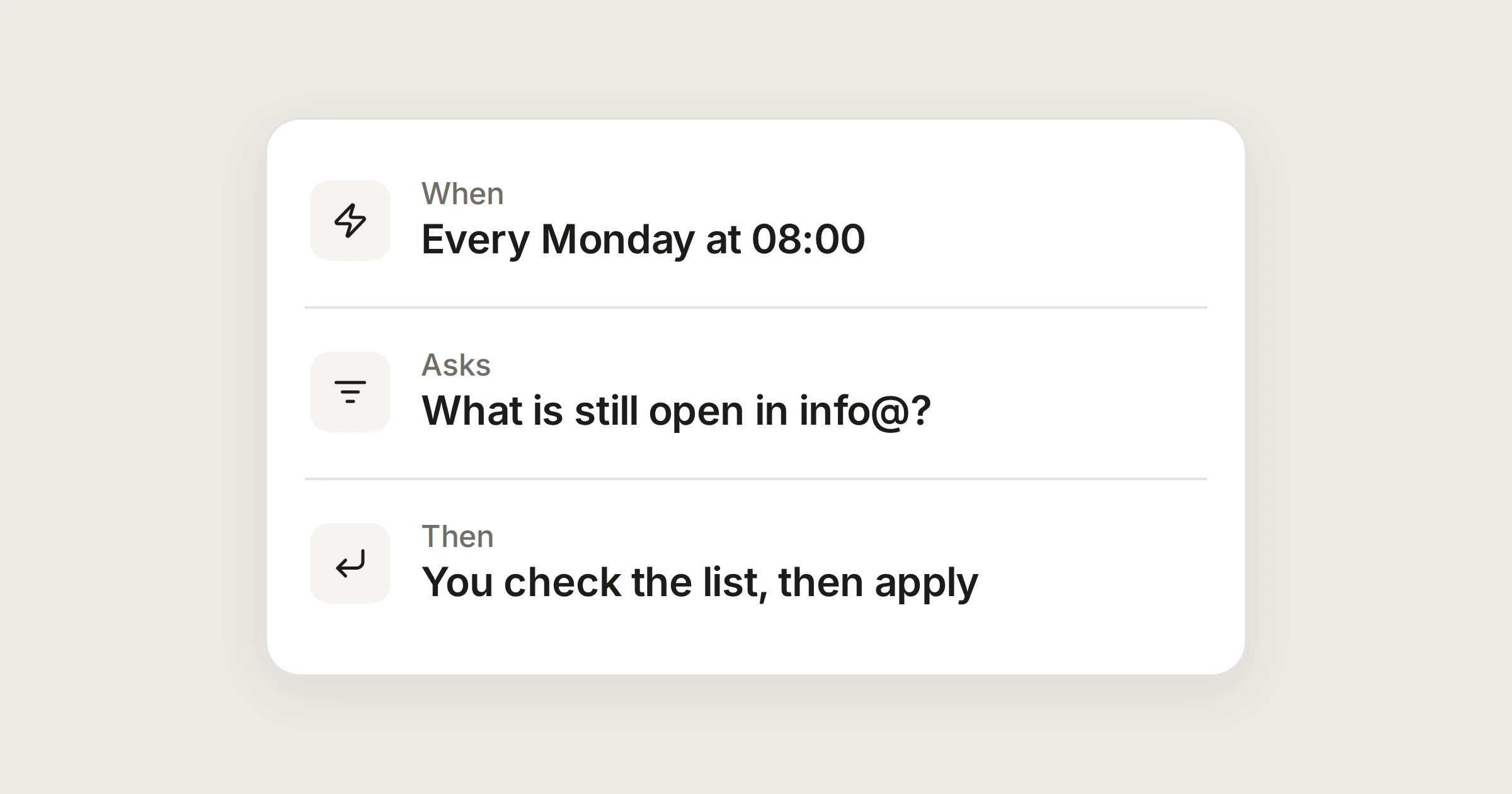 Automations· 4 min read
Routines worth setting up: three jobs for the Assistant
Give the Assistant a job on a schedule. It prepares a list, you read it, and nothing changes until you press Apply.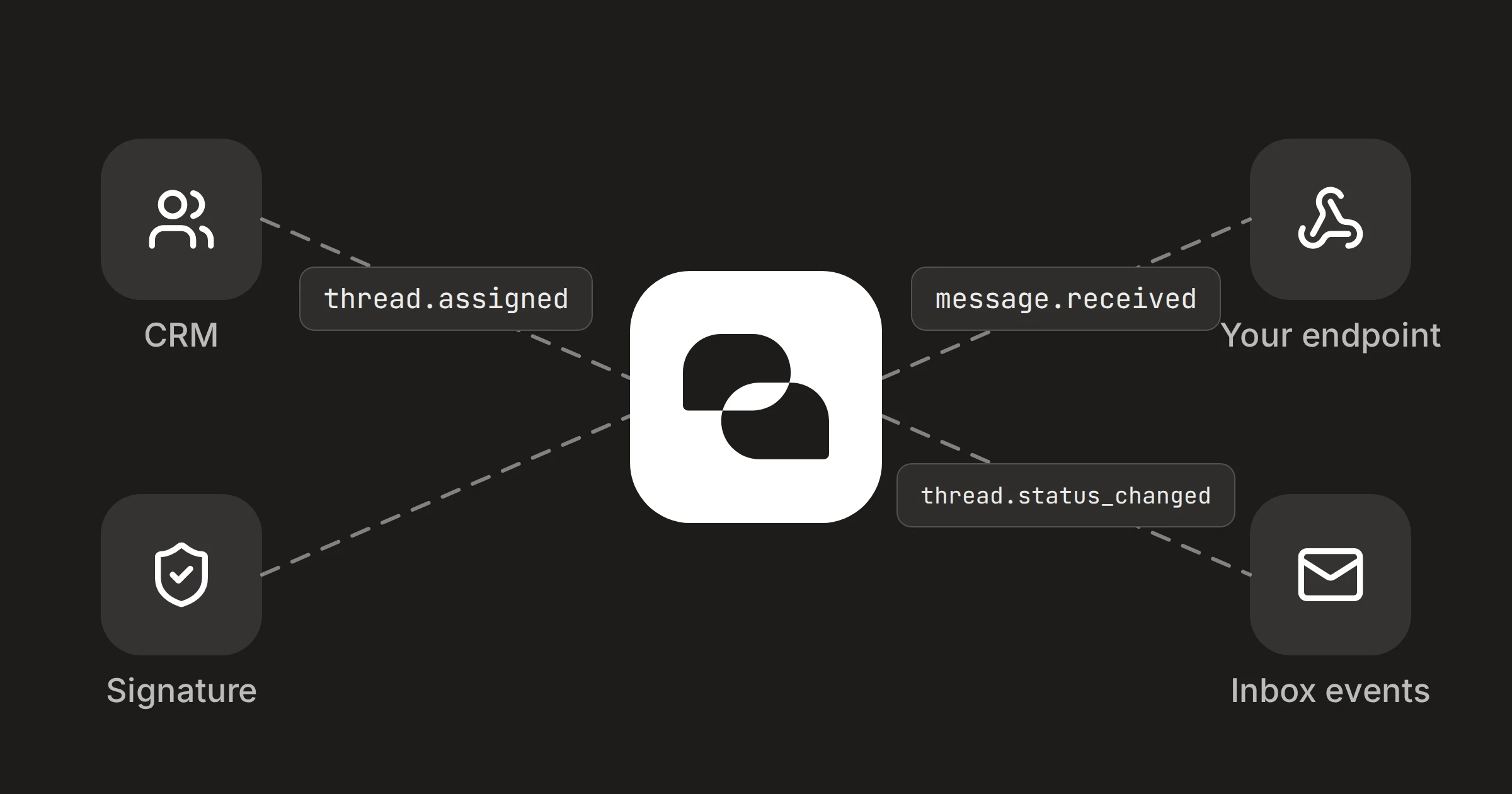 Integrations· 4 min read
Keep your CRM in step with your inbox, using webhooks
When a conversation is assigned, closed or labelled in DMU Mail, a webhook can tell your CRM. The events, the signature check and the code to copy. Email know-how· 4 min read
SPF, DKIM and DMARC in plain words
Three short checks decide whether mail from your domain is believed. What each one proves, why mail lands in spam without them, and what to ask whoever runs your domain.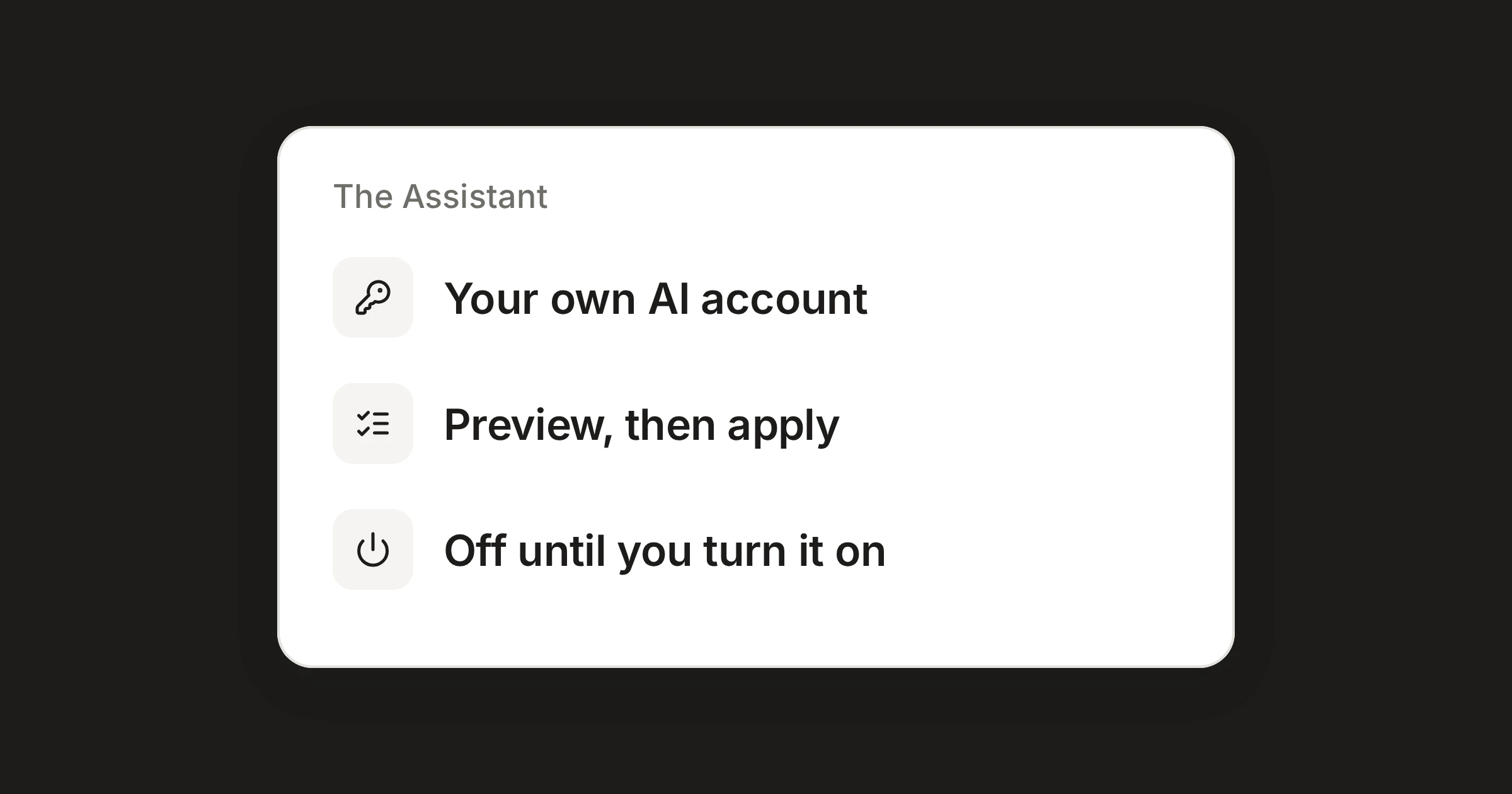 Product news· 4 min read
Meet the Assistant: your own AI, only when you ask
Connect your own AI account and ask it to write, organise and find your mail. It shows a preview first and never sends.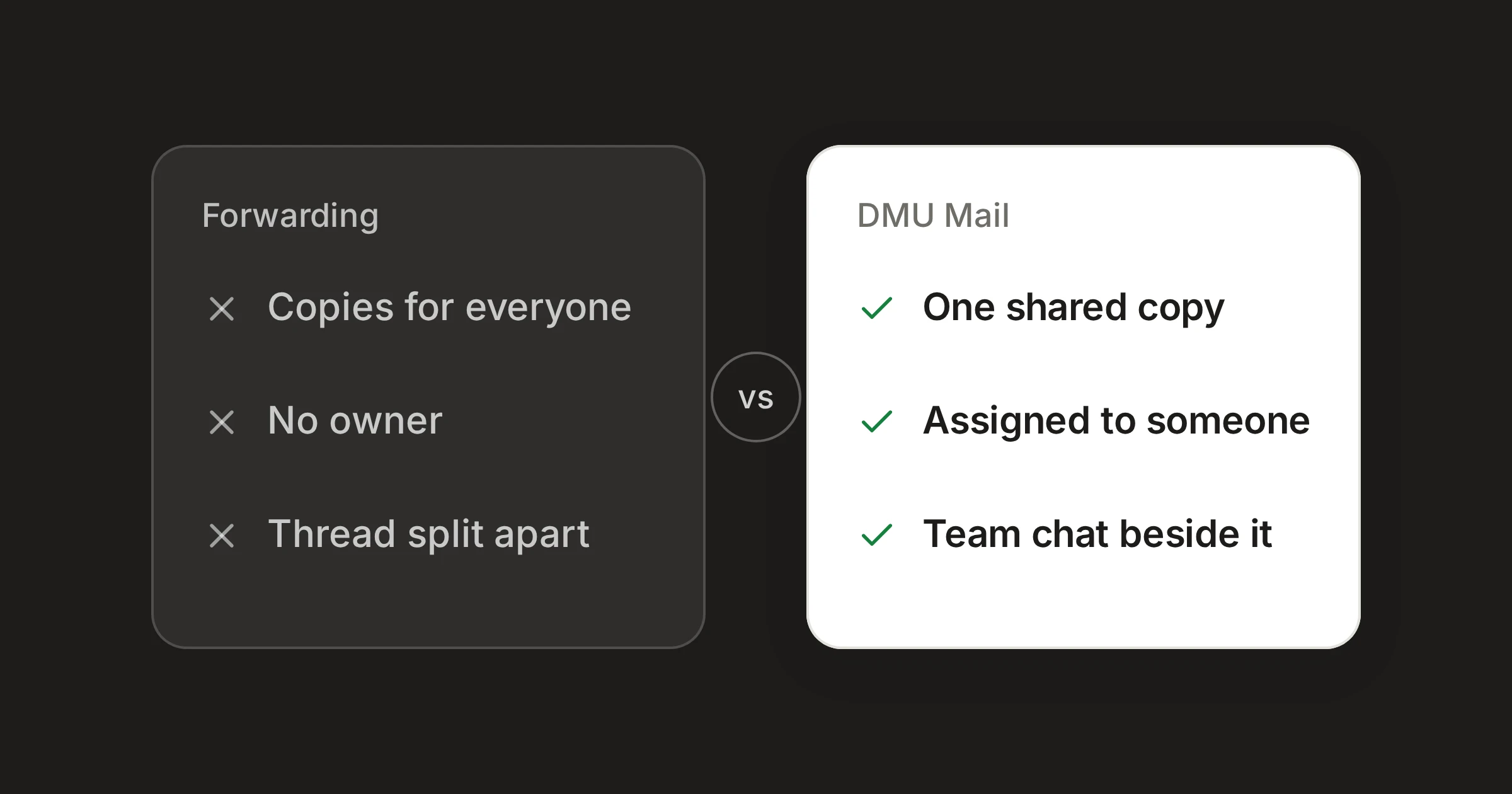 Comparisons· 5 min read
Forwarding mail to colleagues, or a shared inbox
Forwarding and CC-ing everyone get an email in front of the right people. They lose who owns it, the thread and the customer’s reply.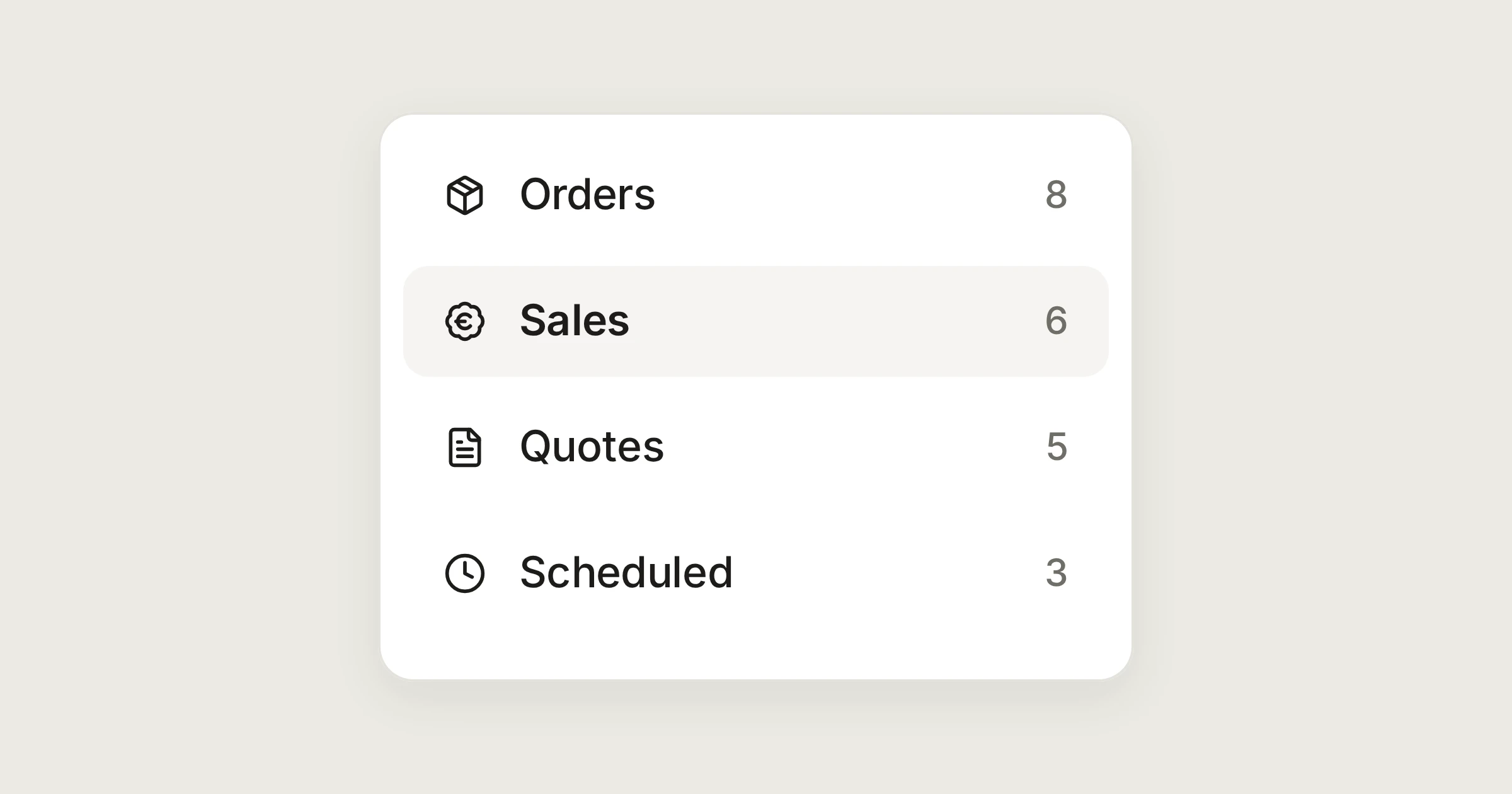 Use cases· 4 min read
Quotes and orders without two answers
Two people quote two prices and the customer notices. Here is how a sales desk sees who is replying, fills in the details and chases on time.
Be one of the first teams in
We let a few organisations into the private beta every week. Join the waitlist and we’ll email you when there’s room for your team.
Join in three quick questions, or ask us to show you around. No card needed.